
Descript and VEED are two of the most popular AI video editors, and creators often can't decide between them. They solve overlapping problems in different ways: Descript is built around editing video as text, while VEED is a fast, browser-based editor with best-in-class subtitles. Here's how they compare and which fits your workflow.
Descript
For talking-head, interview and podcast content, Descript's transcript-based editing is the bigger time-saver. Pick VEED if subtitles and quick social clips are your main need.
| Tool | Best for | Starting price | Free option | Our rating |
|---|---|---|---|---|
| Descript | Podcasts, interviews and talking-head video | Free | Yes | 4.6 / 5 |
| VEED | Subtitles and fast browser edits | Free | Yes | 4.4 / 5 |
SaaS pricing changes frequently. The figures below were accurate on the date we last verified them — always confirm the current price and plan limits on the tool's official website before subscribing.
Descript
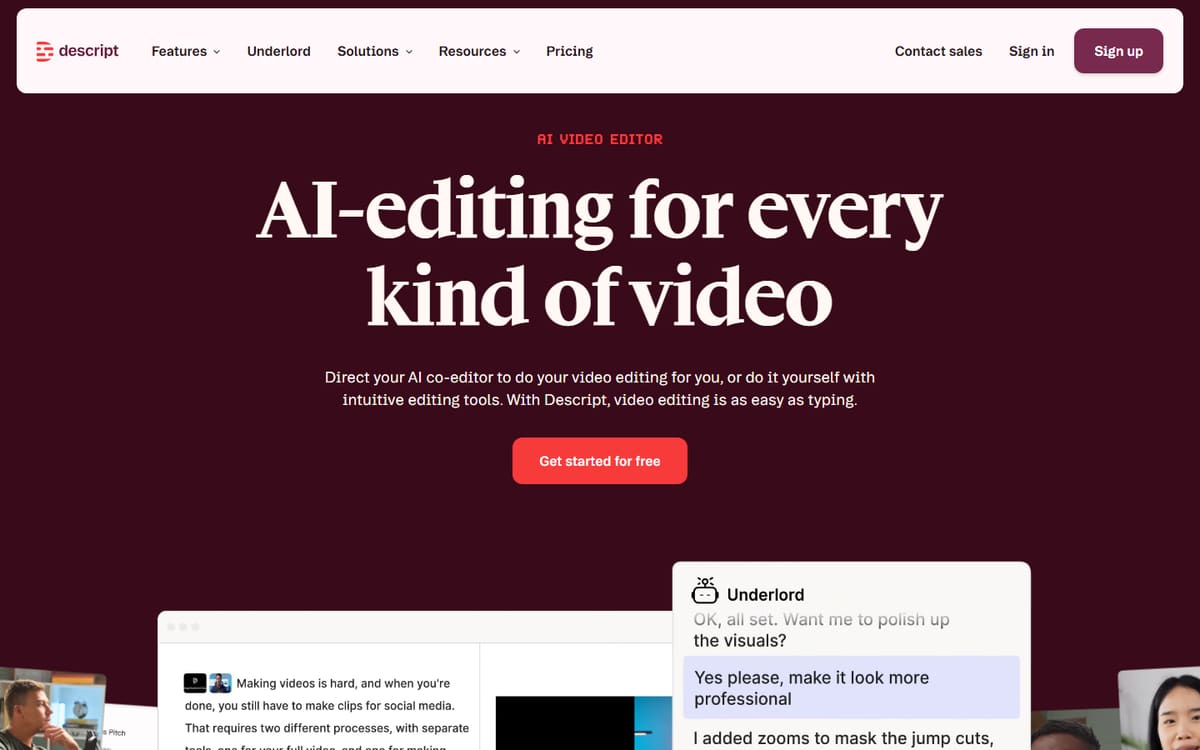
Descript's headline trick is editing video by editing its transcript, plus one-click filler-word removal and studio-grade audio. For content that's mostly people talking, nothing edits faster.
| Plan | Price | Includes |
|---|---|---|
| Free | Free | 1 hour transcription, Screen recording |
| Hobbyist | $16/mo (billed annually) | 10 hours/mo, AI features |
| Creator | $24/mo (billed annually) | 30 hours/mo, 4K export, Full AI |
Key features
- Text-based transcript editing
- Filler-word removal
- AI audio enhancement
Pros
- Huge time-saver for spoken content
- Desktop and web apps
- Strong free plan
Cons
- Less suited to stylised, effect-heavy edits
The clear winner for anyone editing a lot of talking-to-camera footage.
VEED

VEED runs in your browser and is unbeatable for quickly captioning, trimming and reframing clips for social. There's nothing to install and the learning curve is minimal.
| Plan | Price | Includes |
|---|---|---|
| Free | Free | Watermarked exports, Auto-subtitles |
| Basic | $12/mo per user (billed annually) | No watermark, Full subtitles, 1080p |
| Pro | $25/mo per user (billed annually) | 4K export, Brand kit, More AI credits |
Key features
- Best-in-class auto-subtitles
- One-click aspect ratios
- Browser-based, no install
Pros
- Excellent subtitles
- Very fast for social clips
- Beginner-friendly
Cons
- Per-user pricing for teams
- Heavier edits can lag in-browser
The better tool when captions and quick social exports are the priority.
Frequently asked questions
Is Descript or VEED better for podcasts?
Which is cheaper?
Can I use both together?
The bottom line
Choose Descript if your content is mostly people talking and you want the fastest possible editing; choose VEED for outstanding subtitles and speedy browser-based social clips. They complement each other well, so using both is a valid strategy. Confirm current pricing on each official site before subscribing.