YouTube is the world's second-biggest search engine, and ranking there follows its own rules. YouTube SEO tools help you find searchable topics, optimise titles and tags, and see exactly what's working for competitors. Here are the three best YouTube SEO and keyword tools in 2026, from all-in-one channel toolkits to lightweight keyword add-ons.
VidIQ
The most complete YouTube SEO toolkit, with strong keyword scores, an AI coach and a browser extension that surfaces data right where you work.
| Tool | Best for | Starting price | Free option | Our rating |
|---|---|---|---|---|
| VidIQ | All-round YouTube SEO | Free | Yes | 4.3 / 5 |
| TubeBuddy | Optimising and managing a channel | Free | Yes | 4.2 / 5 |
| Keywords Everywhere | Cheap keyword data on demand | Free | Yes | 4.1 / 5 |
SaaS pricing changes frequently. The figures below were accurate on the date we last verified them — always confirm the current price and plan limits on the tool's official website before subscribing.
VidIQ
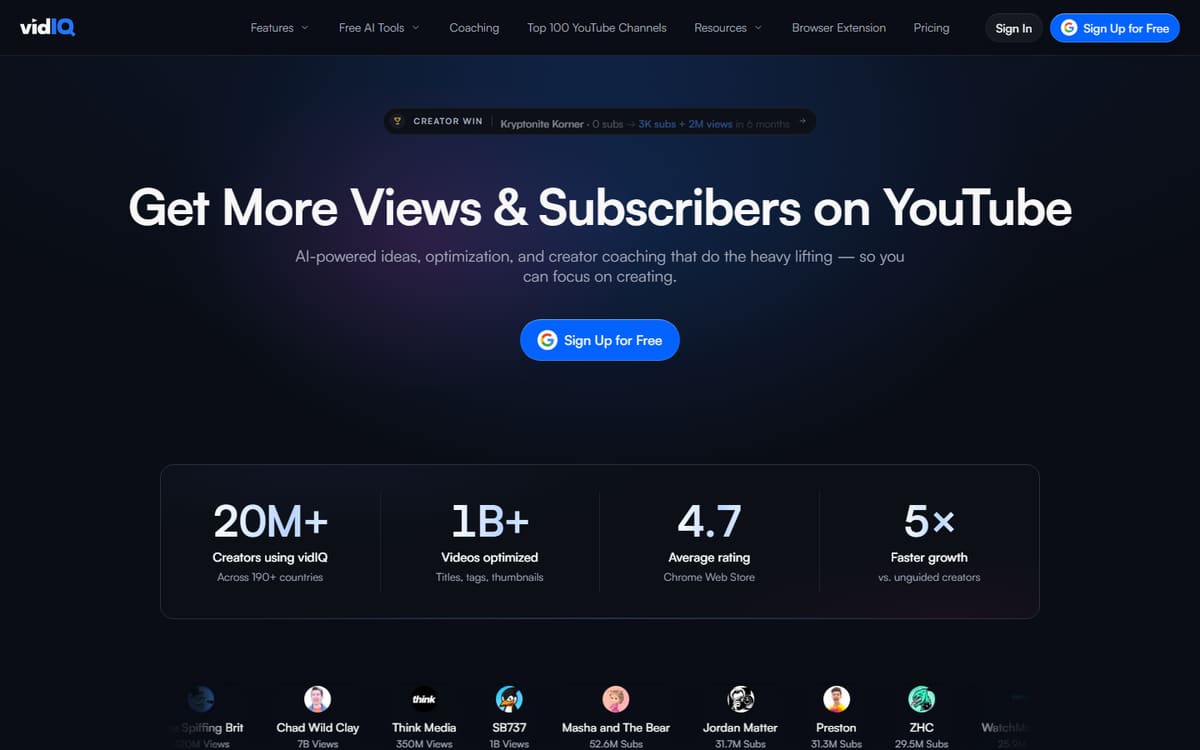
VidIQ scores keywords for search volume and competition, suggests tags, tracks competitors and includes an AI coach that recommends topics. Its extension overlays this data directly on YouTube, making optimisation part of your normal workflow.
| Plan | Price | Includes |
|---|---|---|
| Free | Free | Keyword tools, Channel audit, Extension |
| Boost | $16.58/mo (billed annually) | AI coach, Keyword scores, Competitor tracking |
| Max | $39/mo | More AI, Advanced analytics |
Key features
- Keyword and tag scoring
- AI content coach
- Competitor and channel tracking
Pros
- Comprehensive toolkit
- Useful free plan
- Great extension
Cons
- Best AI features need paid tiers
- Can feel data-heavy
The most complete YouTube SEO tool for creators serious about search.
TubeBuddy
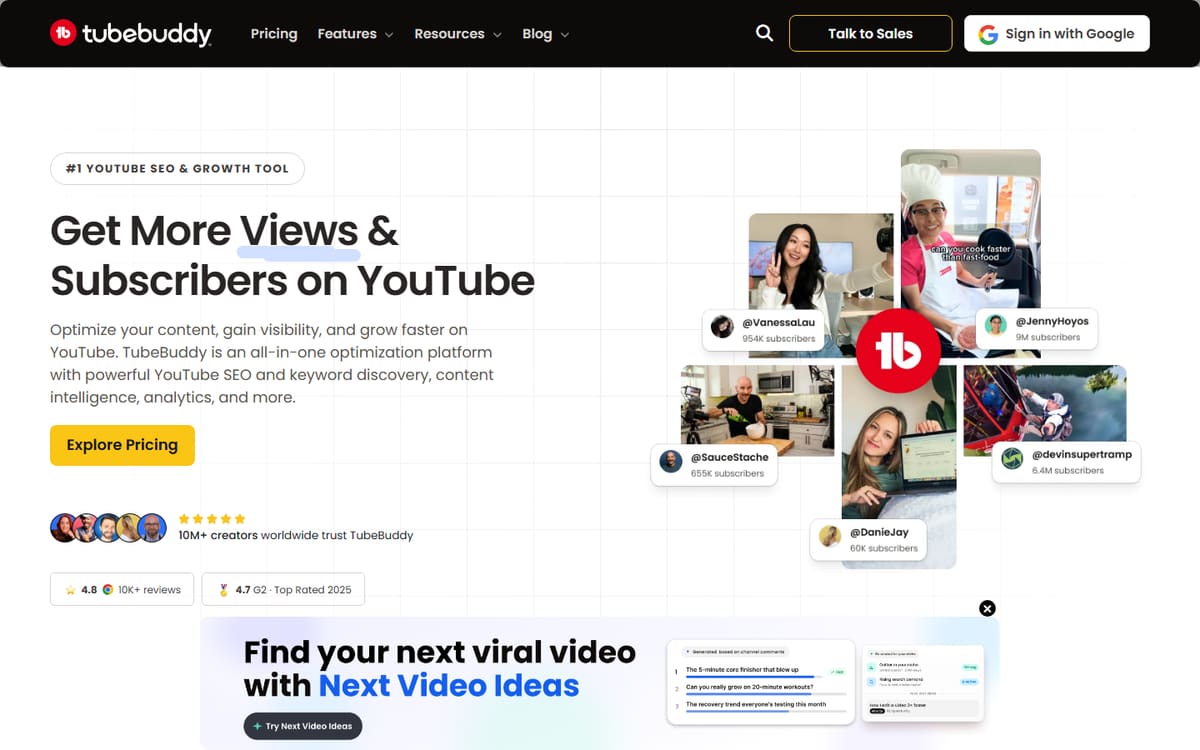
TubeBuddy pairs keyword research with channel-management tools — bulk tag editing, A/B thumbnail testing and publishing helpers. It's the pick if you want SEO plus workflow tools to run your channel more efficiently.
| Plan | Price | Includes |
|---|---|---|
| Free | Free | Basic tools, Tag suggestions, Extension |
| Pro | $4.99/mo | Keyword explorer, Bulk tools, Best practices |
| Legend | $22.50/mo (billed annually) | A/B testing, AI tools, Advanced research |
Key features
- Keyword explorer and tag tools
- A/B thumbnail testing (higher tiers)
- Bulk channel management
Pros
- Cheap entry tier
- Great management tools
- A/B testing
Cons
- Interface feels dated
- Best features on Legend
The better choice if channel management matters as much as pure SEO.
Keywords Everywhere

Keywords Everywhere is a browser extension that shows search volume and related keywords across YouTube and Google as you browse. Its pay-as-you-go credits make it the cheapest way to add hard keyword data to your research.
| Plan | Price | Includes |
|---|---|---|
| Free features | Free | Related keywords, Trend data, Basic metrics |
| Paid credits | From ~$1.25/mo (credit-based) | Search volumes, YouTube and Google data, Pay as you go |
Key features
- Search volumes overlaid as you browse
- Works on YouTube and Google
- Affordable credit-based pricing
Pros
- Very cheap
- No subscription lock-in
- Handy overlay
Cons
- Not a full SEO suite
- Credits deplete with use
A cheap, flexible add-on to layer real keyword data onto your research.
Frequently asked questions
What is the best YouTube SEO tool?
Are the free plans enough?
Should I use VidIQ or TubeBuddy?
The bottom line
For YouTube SEO, VidIQ is the most complete toolkit, TubeBuddy adds channel-management strengths at a low price, and Keywords Everywhere is the cheapest way to add keyword data. Start with the free plans, then upgrade for AI and testing features. Confirm current pricing on each official site before subscribing.