YouTube Studio tells you what happened; the best third-party analytics tools tell you why, and what to do next. They benchmark you against competitors, surface your best-performing patterns, and use AI to suggest your next move. Here are the three best YouTube analytics tools for creators in 2026, from AI-driven coaches to free tracking.
VidIQ
The most actionable analytics, pairing channel and competitor data with an AI coach that turns numbers into concrete recommendations.
| Tool | Best for | Starting price | Free option | Our rating |
|---|---|---|---|---|
| VidIQ | Turning analytics into action | Free | Yes | 4.3 / 5 |
| TubeBuddy | Data-backed testing | Free | Yes | 4.2 / 5 |
| Social Blade | Tracking any channel for free | Free | Yes | 4.0 / 5 |
SaaS pricing changes frequently. The figures below were accurate on the date we last verified them — always confirm the current price and plan limits on the tool's official website before subscribing.
VidIQ
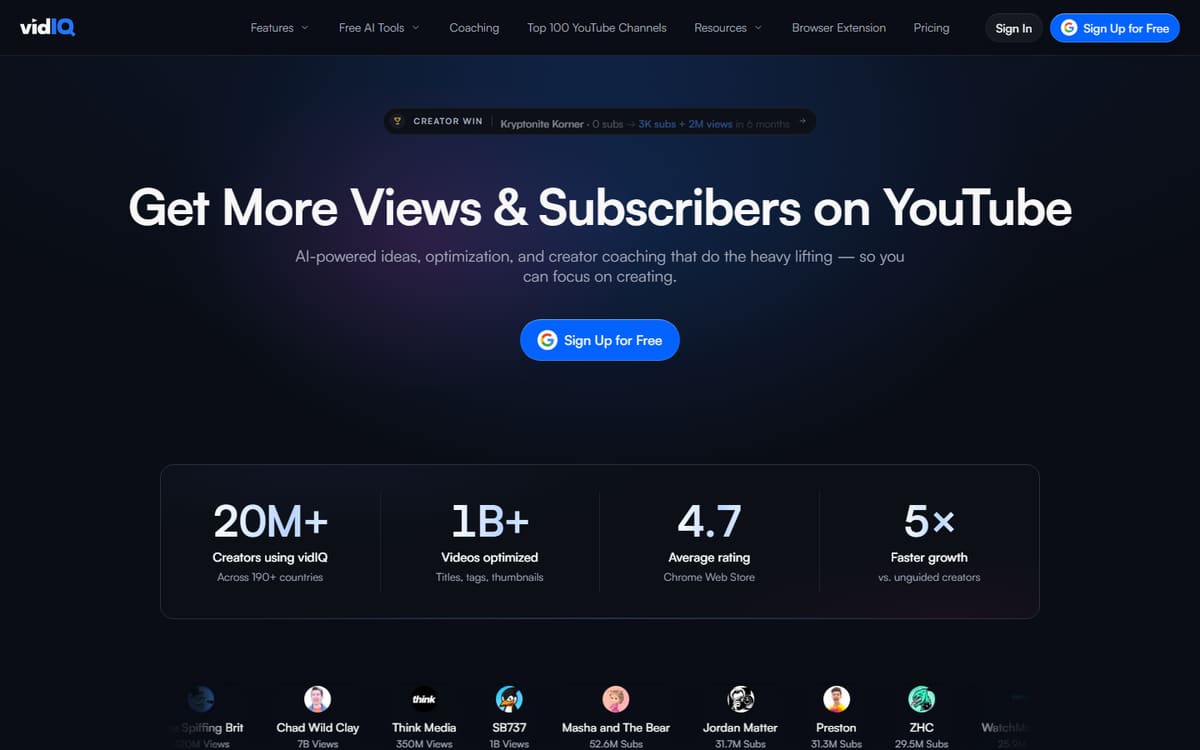
VidIQ goes beyond raw numbers with an AI coach that interprets your data and recommends what to make next. It tracks competitors, scores your videos and highlights trends, making analytics genuinely actionable rather than just informative.
| Plan | Price | Includes |
|---|---|---|
| Free | Free | Channel audit, Basic analytics, Extension |
| Boost | $16.58/mo (billed annually) | AI coach, Competitor tracking, Deeper analytics |
| Max | $39/mo | Advanced analytics, More AI |
Key features
- AI coach with recommendations
- Competitor and trend tracking
- Video and channel scoring
Pros
- Actionable AI insights
- Strong competitor data
- Useful free tier
Cons
- Best features need paid tiers
- Data-heavy interface
The most useful analytics tool for creators who want direction, not just data.
TubeBuddy
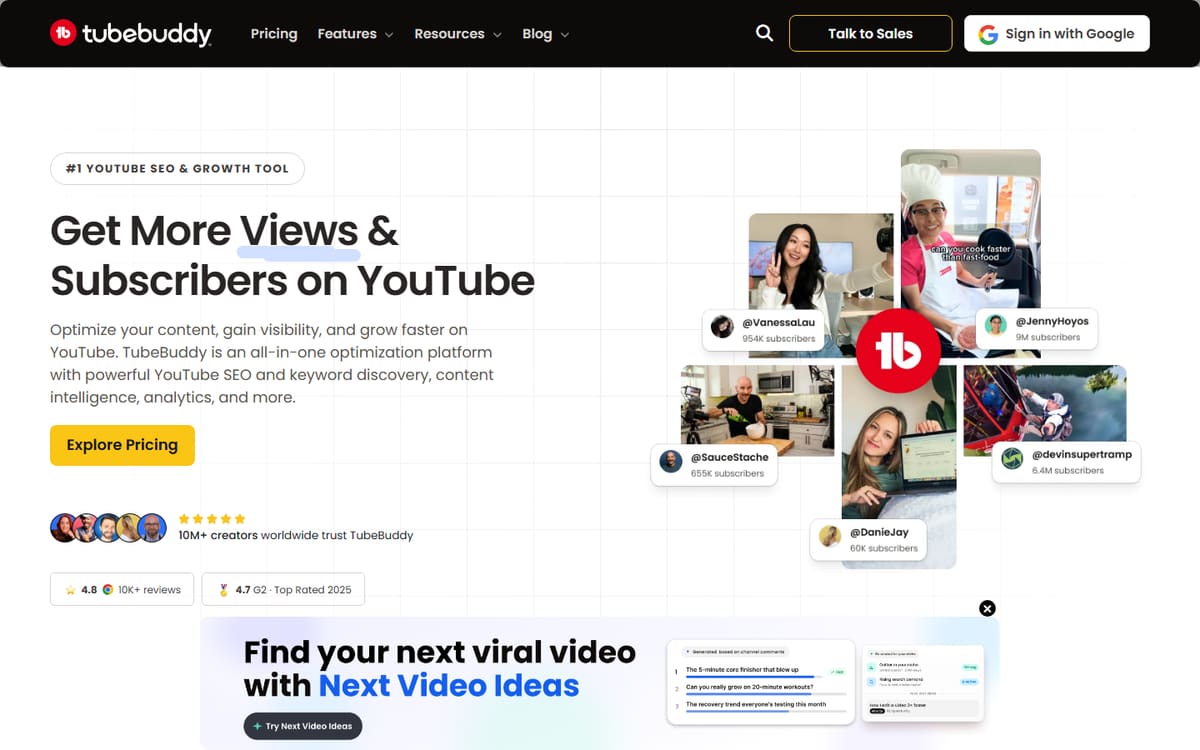
TubeBuddy's analytics tie directly into action through A/B testing — you can prove which thumbnail or title actually performs better rather than guessing. Combined with health benchmarks, it's great for methodical, test-driven growth.
| Plan | Price | Includes |
|---|---|---|
| Free | Free | Basic analytics, Extension |
| Pro | $4.99/mo | Deeper insights, Bulk tools |
| Legend | $22.50/mo (billed annually) | A/B testing, Advanced analytics |
Key features
- A/B thumbnail and title testing
- Video health benchmarks
- Bulk analytics tools
Pros
- Real A/B testing
- Cheap Pro tier
- Clear benchmarks
Cons
- Dated interface
- Less AI than VidIQ
The pick for creators who want to test and prove what works.
Frequently asked questions
What is the best YouTube analytics tool?
Do I need a paid analytics tool?
Can these tools track my competitors?
The bottom line
For analytics you can act on, VidIQ's AI coach leads, TubeBuddy is best for A/B testing and benchmarks, and Social Blade is the top free tracker. A common setup is VidIQ for insights and Social Blade for free competitor tracking. Start with the free options, and confirm current pricing on each official site before upgrading.
Social Blade
Social Blade tracks public stats for any YouTube channel — yours or a competitor's — showing growth trends, estimated earnings and projections. It's the best free way to benchmark yourself against others in your niche.
Key features
Pros
Cons
The go-to free tool for tracking and benchmarking channels.