You can build a surprisingly complete visual workflow without paying anything. The best AI design tools all offer free tiers generous enough for real creator work — thumbnails, graphics, backgrounds and social posts. Here are the four best free AI image and design tools in 2026, with an honest look at what each free plan actually gets you.
Canva
The most capable free design tool by far — thousands of templates, a real editor and basic AI, all free and enough for most creators to never pay.
| Tool | Best for | Starting price | Free option | Our rating |
|---|---|---|---|---|
| Canva | Complete free design workflow | Free | Yes | 4.7 / 5 |
| Leonardo.ai | Free high-quality image generation | Free | Yes | 4.5 / 5 |
| Ideogram | Free graphics with readable text | Free | Yes | 4.3 / 5 |
| Adobe Firefly | Free brand-safe generation | Free | Yes | 4.2 / 5 |
SaaS pricing changes frequently. The figures below were accurate on the date we last verified them — always confirm the current price and plan limits on the tool's official website before subscribing.
Canva
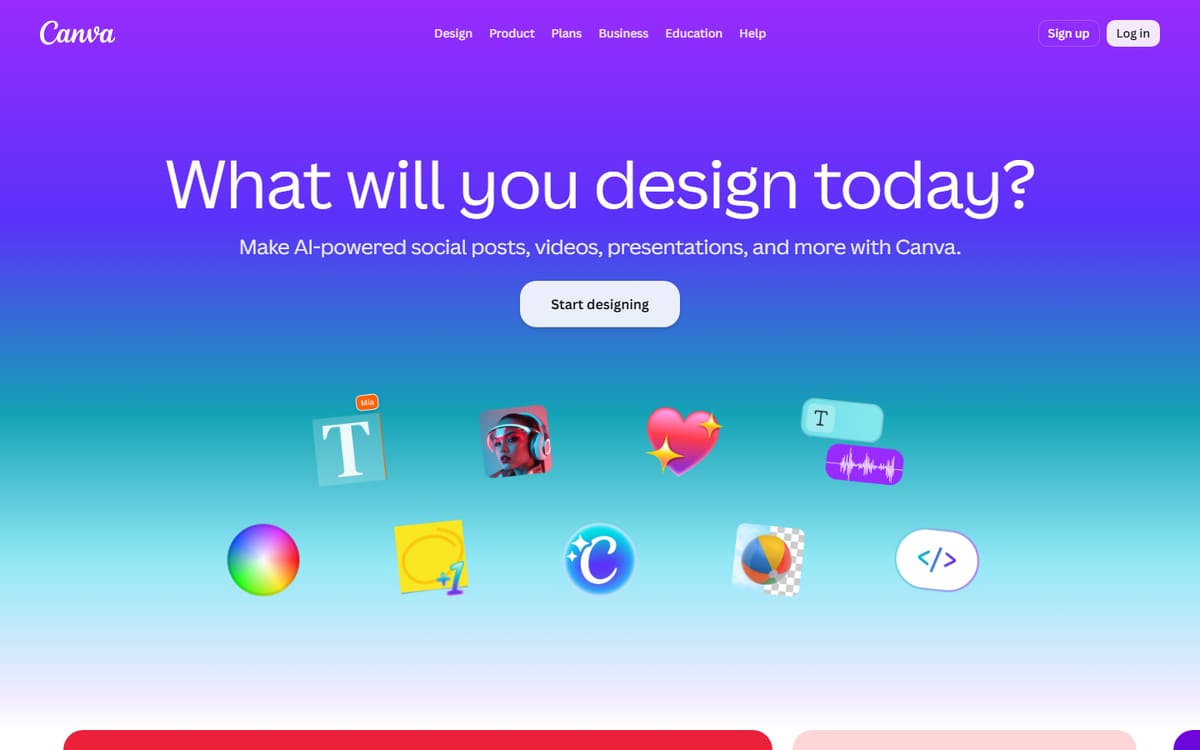
Canva's free plan is the most complete design tool you can get for nothing — templates for everything, a full editor and enough AI to be useful. Many creators run their entire visual workflow on it without ever upgrading.
| Plan | Price | Includes |
|---|---|---|
| Free | Free | Thousands of templates, Full editor, Basic Magic tools, 5GB storage |
| Pro | $12.99/mo (billed annually) | Background remover, Brand kit, Magic Media |
Key features
- Huge free template library
- Full drag-and-drop editor
- Basic AI tools included
Pros
- Incredibly capable free plan
- Easy to use
- Covers every format
Cons
- Background remover is Pro-only
- Premium assets locked
The single most useful free design tool for creators.
Leonardo.ai
Leonardo's free daily tokens let you generate genuinely high-quality images every day at no cost — enough for regular thumbnail backgrounds and graphics. It's the best free image generator for creators who want quality and control.
| Plan | Price | Includes |
|---|---|---|
| Free | Free | 150 daily tokens, Community models, Basic tools |
| Apprentice | $10/mo (billed annually) | 8,500 tokens/mo, Faster generation |
Key features
- 150 free tokens daily
- Model choice
- Image guidance tools
Pros
- Real quality for free
- Daily refill
- Lots of control
Cons
- Tokens run out with heavy use
- Learning curve
The best free way to generate quality images regularly.
Ideogram
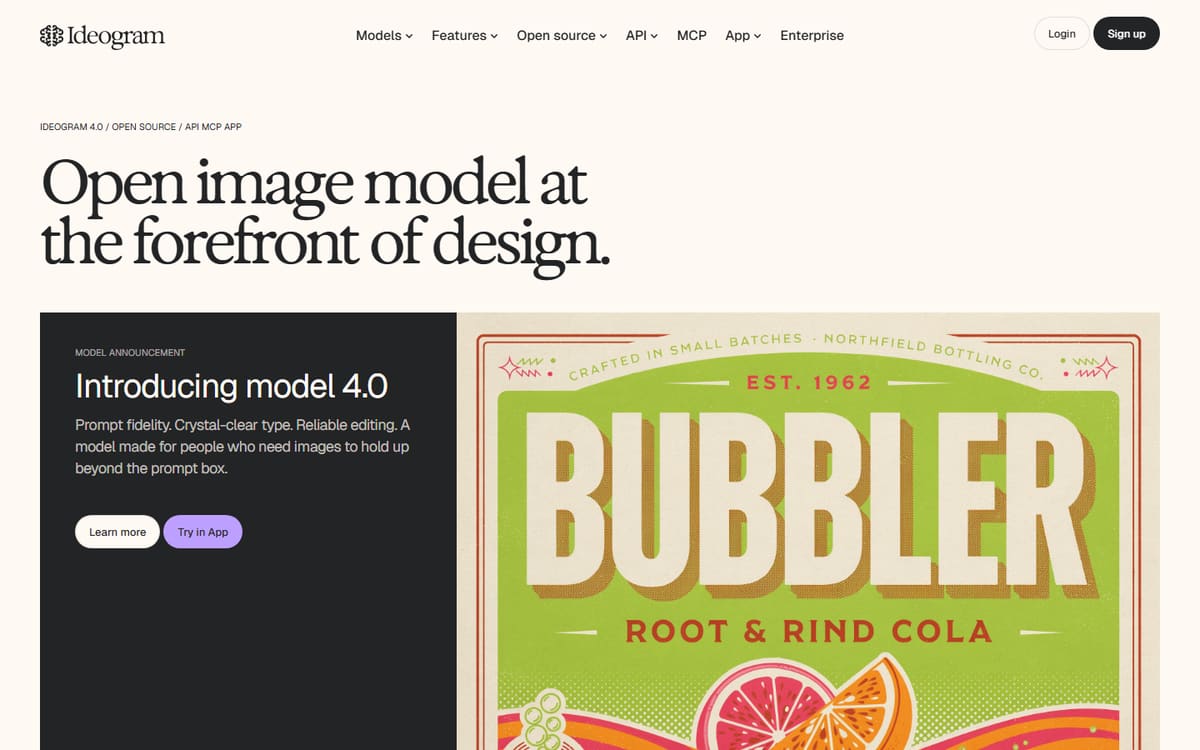
Ideogram's free plan gives you around 25 images a day with its standout text rendering — ideal for making thumbnails, posters and graphics with legible words at no cost. Nothing else does free text-in-image this well.
| Plan | Price | Includes |
|---|---|---|
| Free | Free | ~25 images/day, Standard resolution, Text rendering |
| Basic | $8/mo | 400 priority credits/mo, Faster generation |
Key features
- ~25 free images daily
- Best text rendering
- Style controls
Pros
- Generous free tier
- Readable text
- Great for graphics
Cons
- Standard resolution on free
- Slower free queue
The best free generator for graphics that need real text.
Adobe Firefly
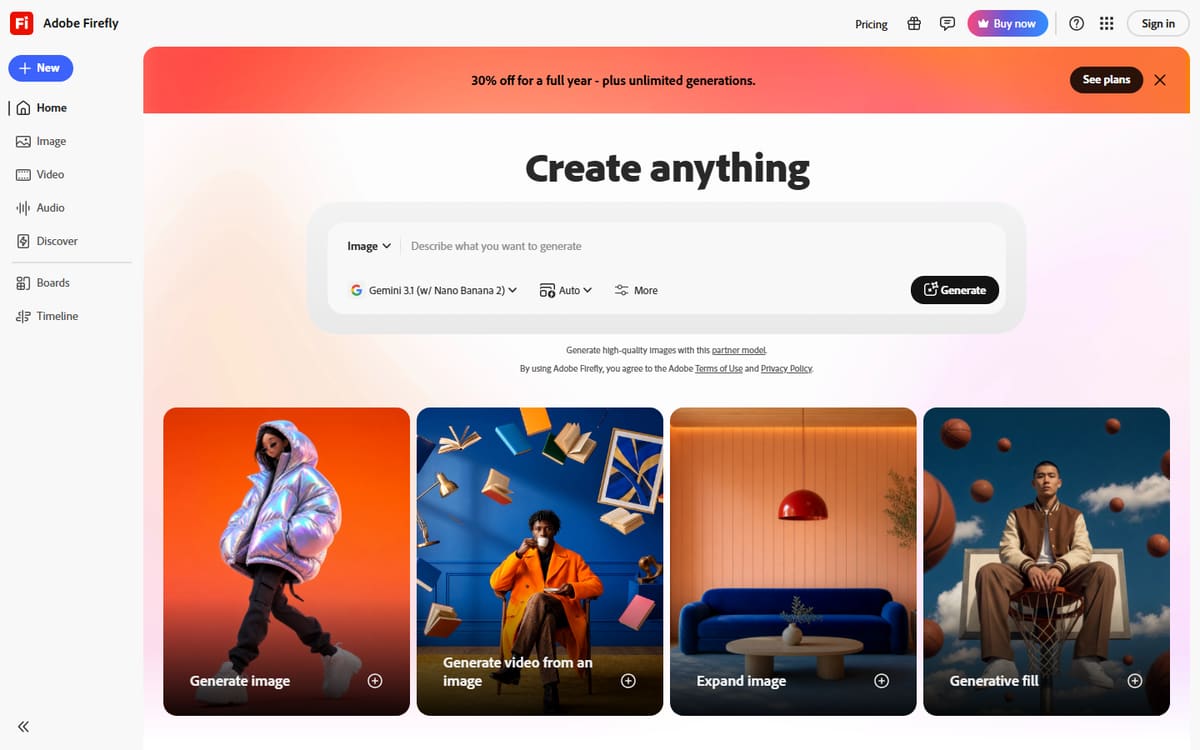
Firefly's free tier offers a monthly batch of generative credits from a model trained on licensed content — the safest free option for commercial work. It's also built into Adobe Express's free plan for editing.
| Plan | Price | Includes |
|---|---|---|
| Free | Free | Monthly generative credits, Commercially safer outputs |
| Standard | $9.99/mo | More credits, Full features |
Key features
- Free generative credits monthly
- Commercially safer model
- Works inside Adobe Express
Pros
- Commercially safe
- Good free credits
- Adobe integration
Cons
- Monthly credit cap
- Best used within Adobe apps
The free choice when commercial safety matters most.
Frequently asked questions
What is the best free AI design tool?
Can I use free AI images commercially?
Will free plans be enough for a creator?
The bottom line
You can build a full visual workflow for free: Canva for design and assembly, Leonardo for quality image generation, Ideogram for text-in-image graphics, and Adobe Firefly for commercially safe outputs. Combine their free tiers and you'll rarely hit a wall. Upgrade only when volume demands it, and always confirm current pricing and licensing on each official site.