The best-known AI writing platforms have crept up in price, but plenty of capable tools still cost less than a couple of coffees a month — or nothing at all. If you're a creator who just needs solid drafts, hooks and captions without a big commitment, these four deliver the most value under $20 a month in 2026.
Rytr
Unlimited AI writing for $9 a month is the best value in the category, and there's a free plan to test it first.
| Tool | Best for | Starting price | Free option | Our rating |
|---|---|---|---|---|
| Rytr | Unlimited writing on a budget | Free | Yes | 4.4 / 5 |
| ChatGPT | Flexible free drafting | Free | Yes | 4.5 / 5 |
| Copy.ai | Template-based short-form copy | Free | Yes | 4.3 / 5 |
| Notion AI | Creators who plan in Notion | Free | Yes | 4.2 / 5 |
SaaS pricing changes frequently. The figures below were accurate on the date we last verified them — always confirm the current price and plan limits on the tool's official website before subscribing.
Rytr
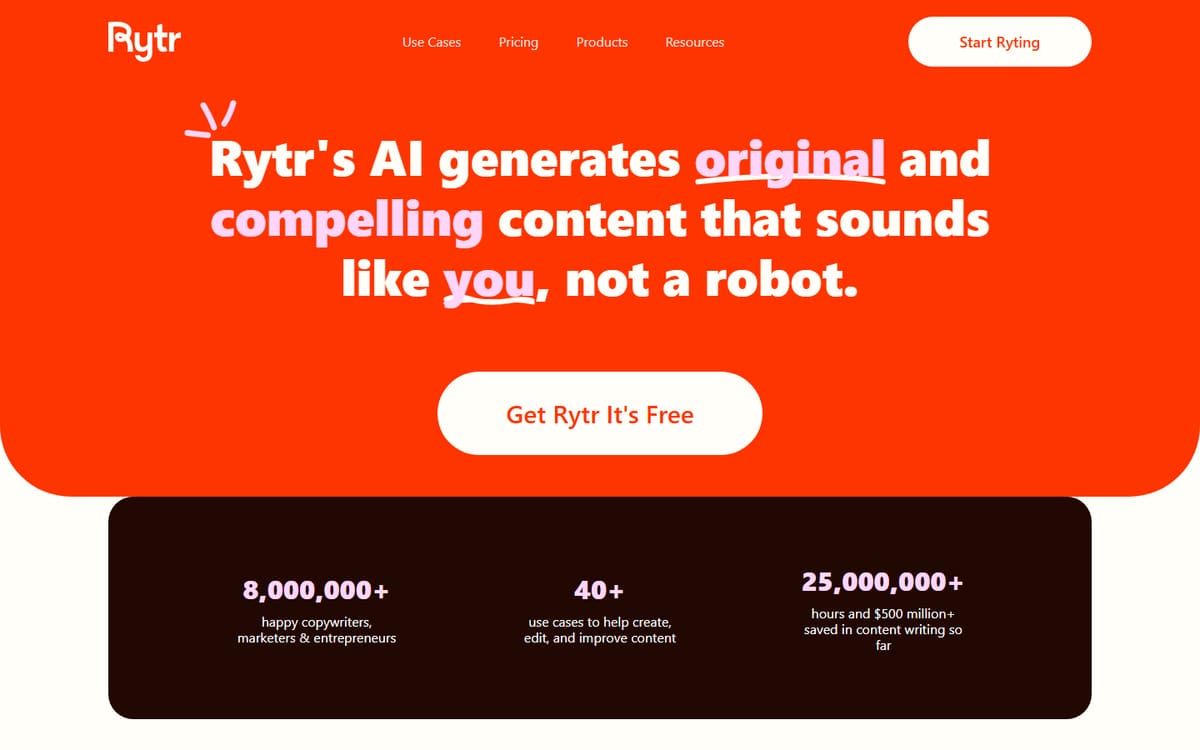
Rytr's $9 Saver plan gives you unlimited generations — a rarity at this price. It's ideal for creators who write a lot of short-form copy and don't need enterprise polish.
| Plan | Price | Includes |
|---|---|---|
| Free | Free | 10,000 characters/mo, 40+ use cases, Built-in tones |
| Saver | $9/mo | Unlimited generations, Custom tones, Priority support |
Key features
- Unlimited writing from $9/mo
- 40+ templates
- Browser extension
Pros
- Cheapest unlimited plan
- Beginner friendly
Cons
- Long-form needs editing
The clear value winner for creators watching their spend.
ChatGPT

The free tier of a general assistant covers a surprising amount of creator writing — scripts, captions, brainstorming — with no cost at all. Upgrade only if you hit usage limits.
| Plan | Price | Includes |
|---|---|---|
| Free | Free | Core model access, Web and mobile apps |
| Plus | $20/mo | Latest models, Higher limits, Priority access |
Key features
- Capable free tier
- Very flexible
- Apps on every device
Pros
- Free to use
- Handles almost any writing task
Cons
- No creator templates
- No affiliate program
The best place to start if you've never used AI writing — and it's free.
Copy.ai
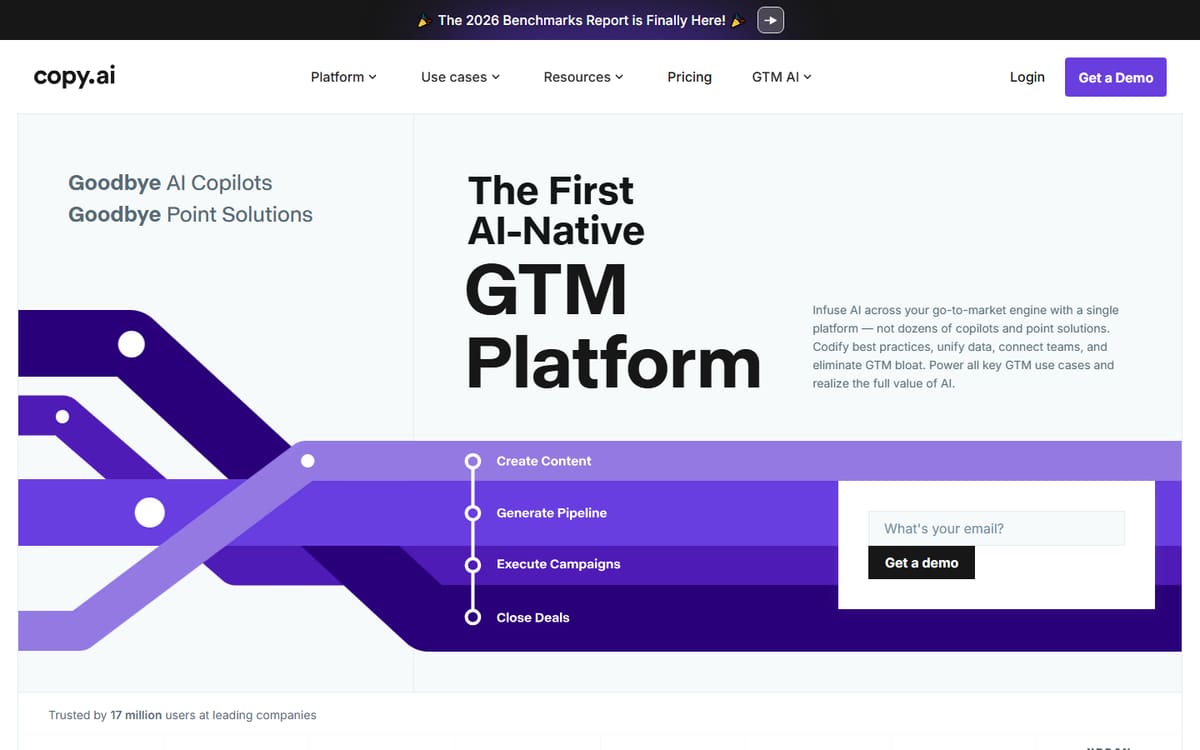
Copy.ai's free plan gives you a taste of structured templates alongside chat. It's enough for occasional short-form work; the paid tier sits above our $20 budget, so stick to free here.
| Plan | Price | Includes |
|---|---|---|
| Free | Free | 2,000 words in chat, Multiple models, Templates |
| Starter | $36/mo (billed annually) | Unlimited words, 1 seat |
Key features
- Free plan with templates
- Multiple AI models
- Quick variations
Pros
- Genuinely free tier
- Good template library
Cons
- Paid tier exceeds a $20 budget
- Word cap on free plan
Best used on its free plan for template-driven captions and hooks.
Notion AI
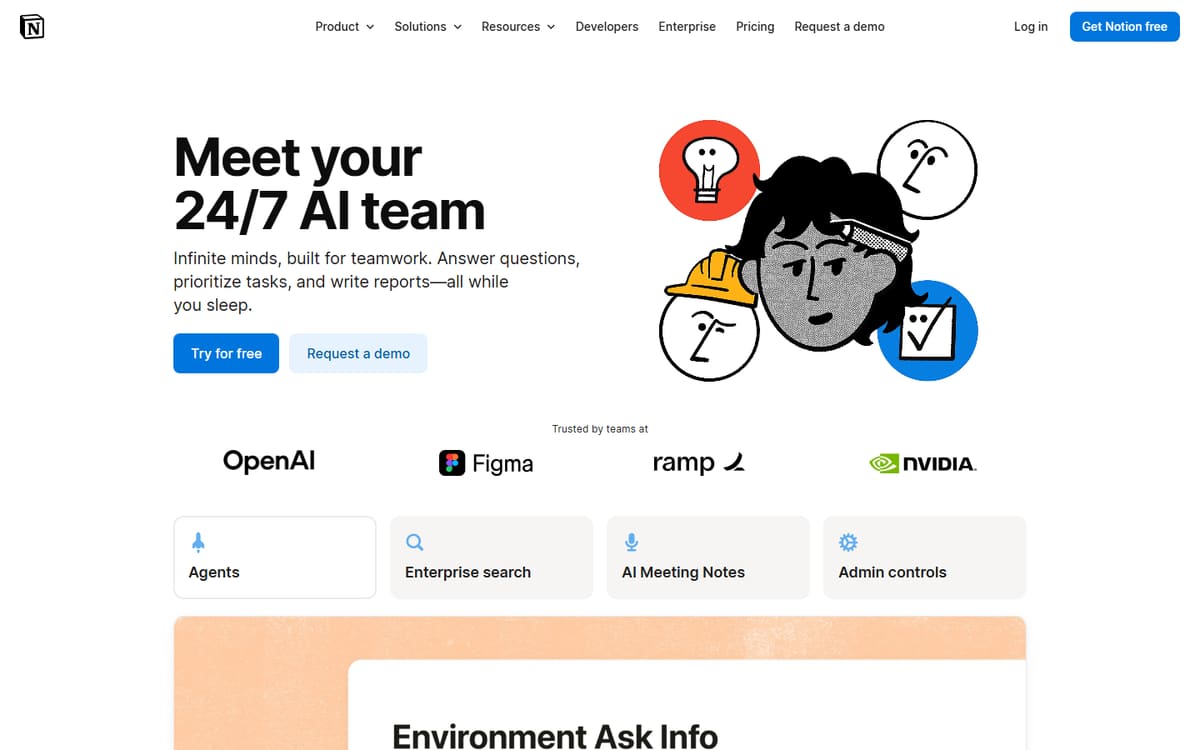
If your content calendar already lives in Notion, its built-in AI lets you draft, summarise and rewrite without leaving the page. The limited free AI covers light use.
| Plan | Price | Includes |
|---|---|---|
| Free | Free (limited AI) | Basic AI actions, Personal workspace |
| Business | $20-24/user/mo | Full AI writing, Team tools |
Key features
- AI inside your notes
- Summarise and expand
- One workspace for planning and writing
Pros
- No extra app to learn
- Great for organisation plus writing
Cons
- Full AI needs a paid plan
- Only worth it if you use Notion
A budget-friendly bonus for existing Notion users rather than a standalone writer.
Frequently asked questions
What is the cheapest AI writing tool with unlimited use?
Can I write with AI completely for free?
Are budget AI tools good enough for professional content?
The bottom line
You can write with AI on almost any budget. Start with ChatGPT's free tier or Rytr's free plan, upgrade to Rytr's $9 Saver plan if you need unlimited output, and lean on Copy.ai's templates or Notion AI if they fit your workflow. Because vendors adjust pricing and free-plan limits frequently, always confirm the current details on each official site.