You don't need an expensive subscription or a film-school skill set to start editing video with AI. Several tools are cheap, forgiving and genuinely beginner-friendly, letting you learn the basics while AI handles the fiddly parts. Here are four affordable options for creators just getting started in 2026, each suited to a slightly different goal.
Filmora
The best value for a full editor: a low annual price (or one-time purchase), an approachable interface, and AI features baked in as you grow.
| Tool | Best for | Starting price | Free option | Our rating |
|---|---|---|---|---|
| Filmora | Learning to edit affordably | Free | Yes | 4.5 / 5 |
| VEED | Editing in the browser for free | Free | Yes | 4.4 / 5 |
| Pictory | Making video from text without editing skills | $19/mo | Yes | 4.3 / 5 |
| OpusClip | Making shorts with zero editing | Free | Yes | 4.5 / 5 |
SaaS pricing changes frequently. The figures below were accurate on the date we last verified them — always confirm the current price and plan limits on the tool's official website before subscribing.
Filmora
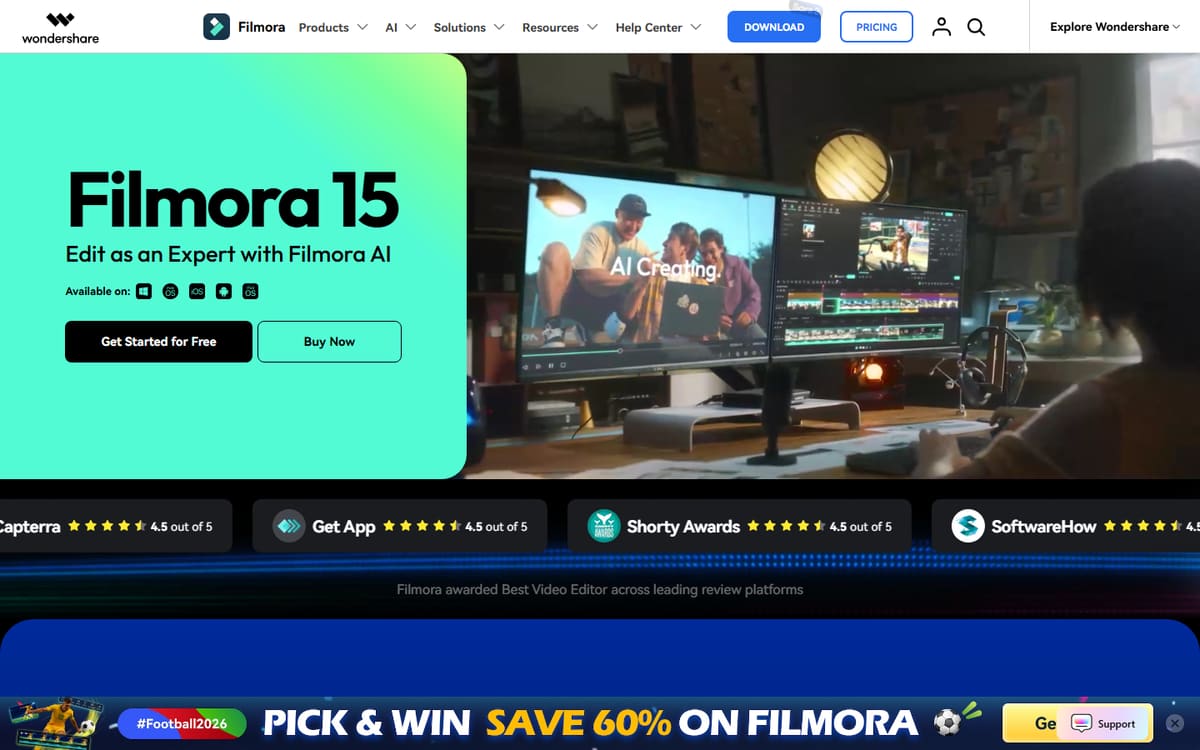
Filmora gives beginners a complete, approachable timeline editor with drag-and-drop simplicity and a growing set of AI tools. The one-time purchase option is rare and welcome for creators who dislike subscriptions.
| Plan | Price | Includes |
|---|---|---|
| Free | Free (watermarked) | Full editor, Watermark on export |
| Annual | $49.99/year | No watermark, AI features, Effects library |
| Perpetual | $79.99 one-time | Lifetime licence (this version), No subscription |
Key features
- Beginner-friendly timeline
- AI cutout and audio tools
- One-time purchase option
Pros
- Very affordable
- Easy to learn
- No forced subscription
Cons
- Desktop only
- AI less advanced than specialists
The best first editor for creators who want to actually learn editing without overspending.
VEED
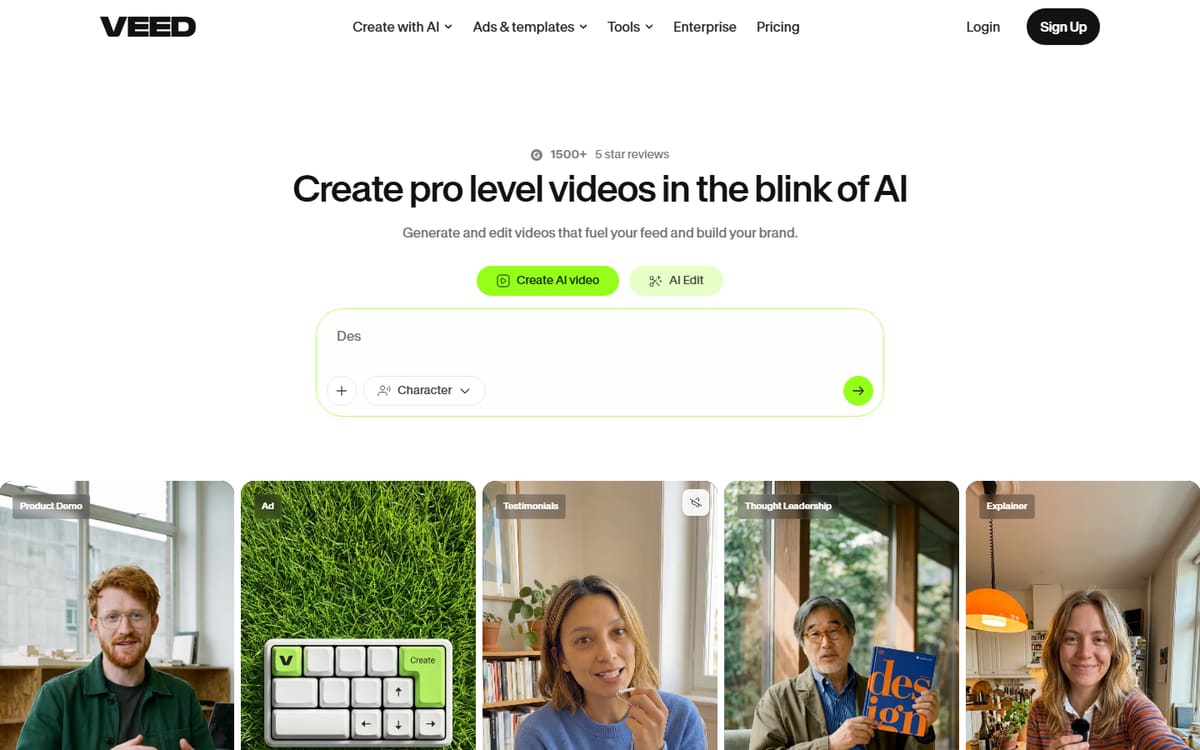
VEED's free plan lets beginners caption, trim and export without installing anything. It's the gentlest possible on-ramp to editing, and the paid tier is cheap when you're ready to drop the watermark.
| Plan | Price | Includes |
|---|---|---|
| Free | Free | Watermarked exports, Auto-subtitles, Basic editing |
| Basic | $12/mo per user (billed annually) | No watermark, Full subtitles |
Key features
- Runs in the browser
- Auto-subtitles on free plan
- Simple, clean interface
Pros
- Genuinely usable free plan
- No install
- Very easy
Cons
- Watermark on free exports
- Per-user pricing later
The easiest zero-cost way to start editing and captioning clips.
Pictory
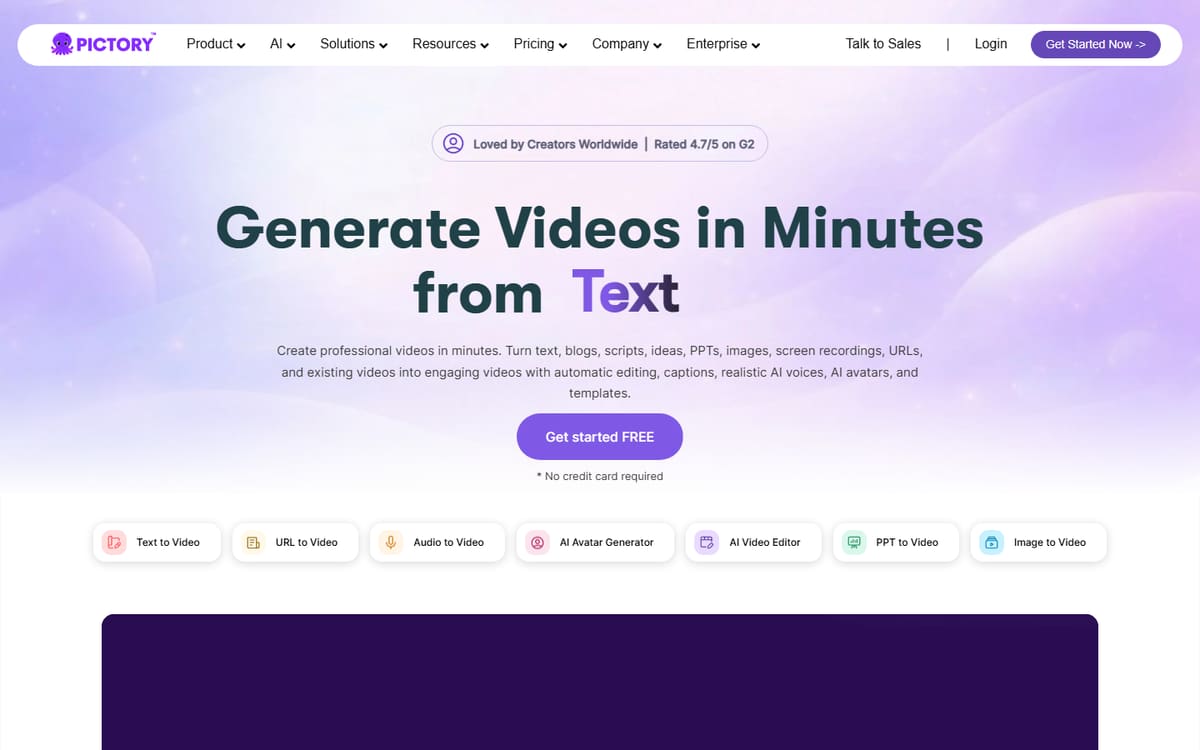
If timeline editing feels daunting, Pictory skips it entirely — paste a script or article and it builds a captioned video with matching footage. It's the most beginner-proof way to produce video content.
| Plan | Price | Includes |
|---|---|---|
| Starter | $19/mo | 200 video minutes/mo, Stock library, Auto-captions |
| Professional | $29/mo | 600 video minutes/mo, Branding |
Key features
- Script-to-video automation
- Auto-matched stock footage
- Automatic captions
Pros
- No editing skills needed
- Fast output
- Free trial
Cons
- Less creative control
- Monthly minute limits
The most approachable option for beginners who'd rather not touch a timeline.
OpusClip
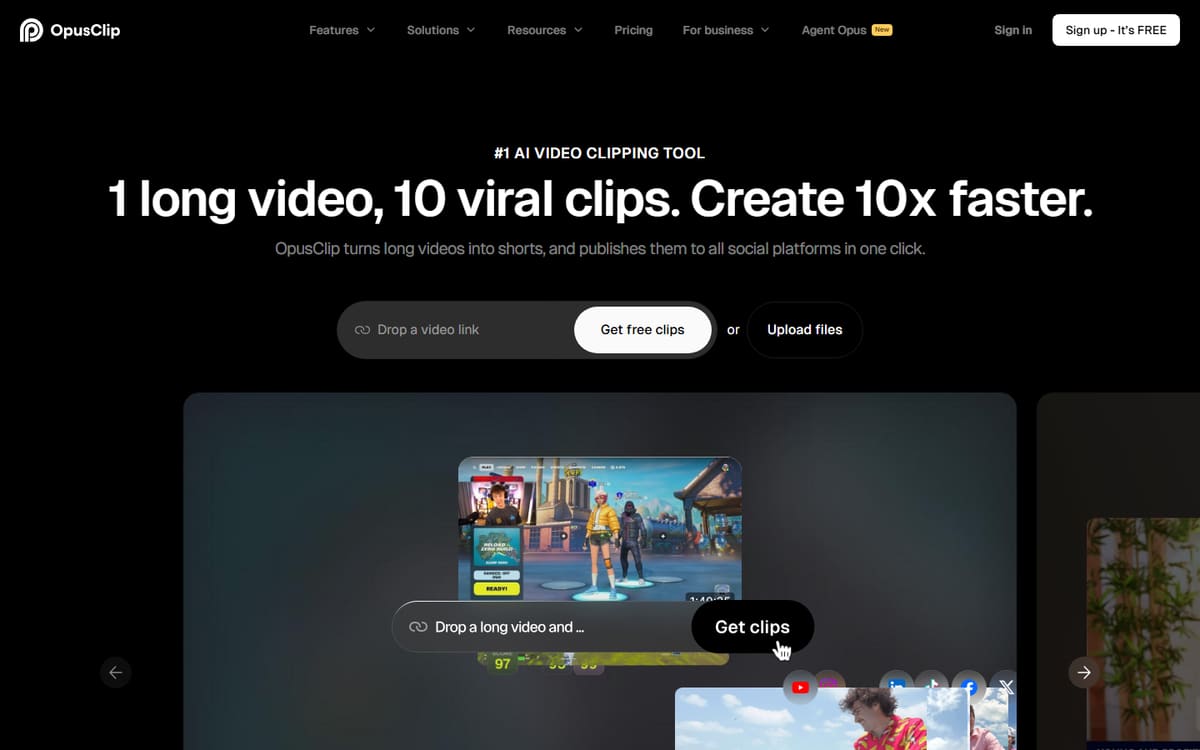
For beginners who want shorts without learning to edit, OpusClip's free plan turns a long video into captioned vertical clips automatically. It's the lowest-effort way to start posting short-form.
| Plan | Price | Includes |
|---|---|---|
| Free | Free | 60 minutes/mo, Watermarked, AI clip curation |
| Starter | $15/mo | 150 minutes/mo, No watermark |
Key features
- Automatic clip creation
- Auto-captions and reframing
- Free plan to start
Pros
- Almost no learning curve
- Free to try
- Fast results
Cons
- Free plan adds a watermark
- Limited monthly minutes
The simplest way for a beginner to start producing shorts.
Frequently asked questions
What is the cheapest AI video tool for beginners?
Do I need editing experience to use these?
Should I start with a free plan?
The bottom line
Beginners have great low-cost options: Filmora for learning real editing affordably, VEED for a free browser-based start, Pictory for making video from text without editing skills, and OpusClip for effortless shorts. Start on a free plan, learn what you need, then invest. As always, confirm current pricing on each official site before subscribing.