
Editing is where most creators lose their weekends. AI video editors change that by handling the tedious parts — cutting filler words, generating captions, removing backgrounds and even producing footage from a prompt. The catch is that 'AI video editor' covers wildly different tools, from text-based editors to full generative models. Here are the four we'd actually put in a creator's stack in 2026, each solving a different editing problem.
Descript
Its text-based editing — cut your video by deleting words in a transcript — is the single biggest time-saver for talking-head and podcast creators.
| Tool | Best for | Starting price | Free option | Our rating |
|---|---|---|---|---|
| Descript | Talking-head and podcast editing | Free | Yes | 4.6 / 5 |
| VEED | Fast edits and subtitles in the browser | Free | Yes | 4.4 / 5 |
| Filmora | Traditional editing with AI extras | Free | Yes | 4.5 / 5 |
| Runway | AI-generated clips and b-roll | Free | Yes | 4.3 / 5 |
SaaS pricing changes frequently. The figures below were accurate on the date we last verified them — always confirm the current price and plan limits on the tool's official website before subscribing.
Descript
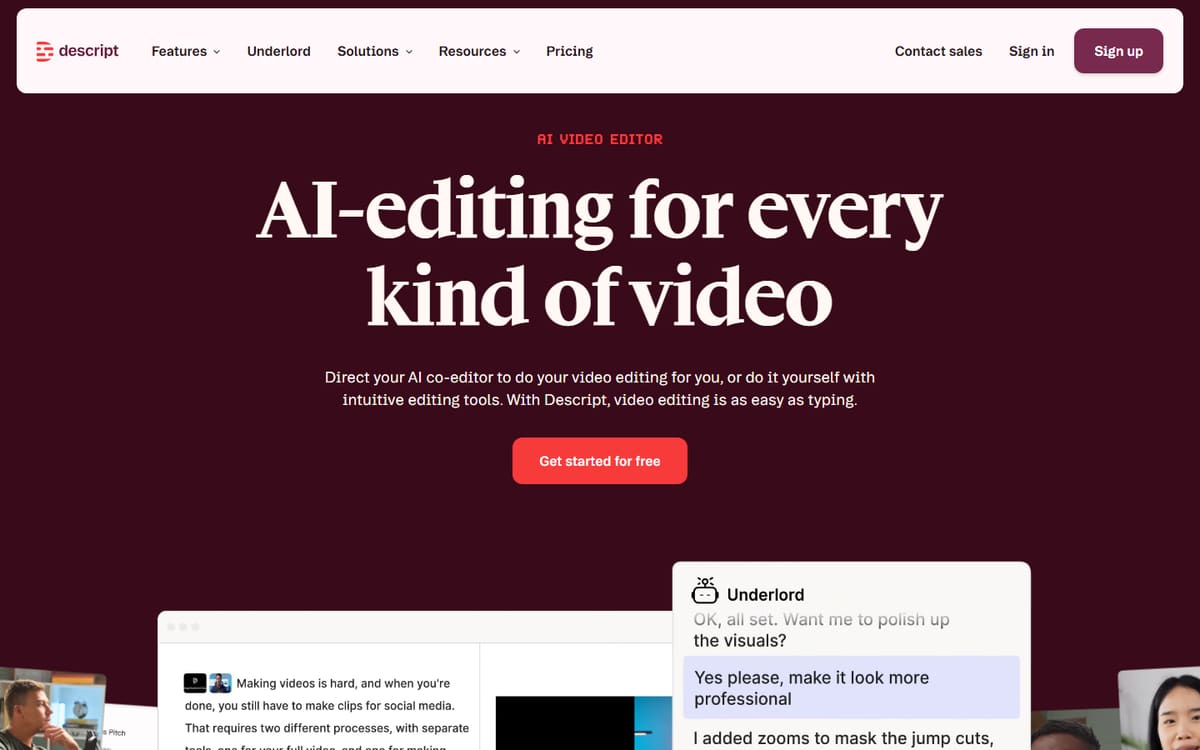
Descript turns your video into an editable transcript — delete a word and the footage disappears with it. Add AI tools for filler-word removal, studio-grade audio and an AI assistant, and it becomes the fastest way to edit spoken-word content.
| Plan | Price | Includes |
|---|---|---|
| Free | Free | 1 hour of transcription, Watermark-free basics, Screen recording |
| Hobbyist | $16/mo (billed annually) | 10 hours transcription/mo, AI features, 1080p export |
| Creator | $24/mo (billed annually) | 30 hours transcription/mo, 4K export, Full AI (Underlord) |
| Business | $50/mo (billed annually) | Unlimited seats options, Advanced exports, Priority support |
Key features
- Text-based editing via transcript
- Filler-word and gap removal in one click
- AI audio enhancement and green-screen
Pros
- Massive time-saver for spoken content
- Beginner-friendly
- Solid free plan
Cons
- Less suited to heavily stylised edits
- Plans changed and renamed in 2026
For anyone who talks to camera or records podcasts, Descript is close to essential.
VEED
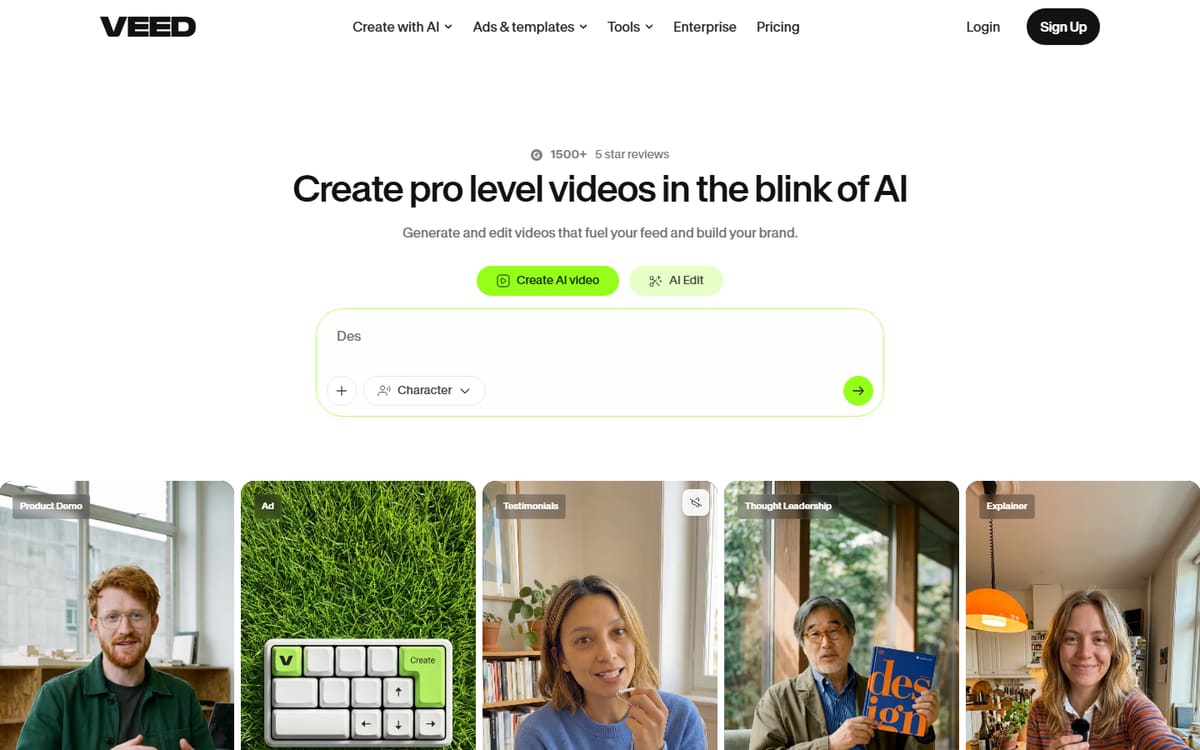
VEED runs entirely in your browser and excels at quick edits, auto-subtitles and social-ready exports. It's the tool to reach for when you want to caption and trim a clip without opening desktop software.
| Plan | Price | Includes |
|---|---|---|
| Free | Free | Watermarked exports, Basic editing, Auto-subtitles |
| Basic | $12/mo per user (billed annually) | No watermark, Full subtitles, 1080p export |
| Pro | $25/mo per user (billed annually) | 4K export, Brand kit, More AI credits |
Key features
- Accurate auto-subtitles in many languages
- One-click social aspect ratios
- AI tools for background removal and cleanup
Pros
- Nothing to install
- Excellent subtitles
- Easy learning curve
Cons
- Per-user pricing adds up for teams
- Heavier projects can lag in-browser
The most convenient option for subtitles and quick social edits.
Filmora
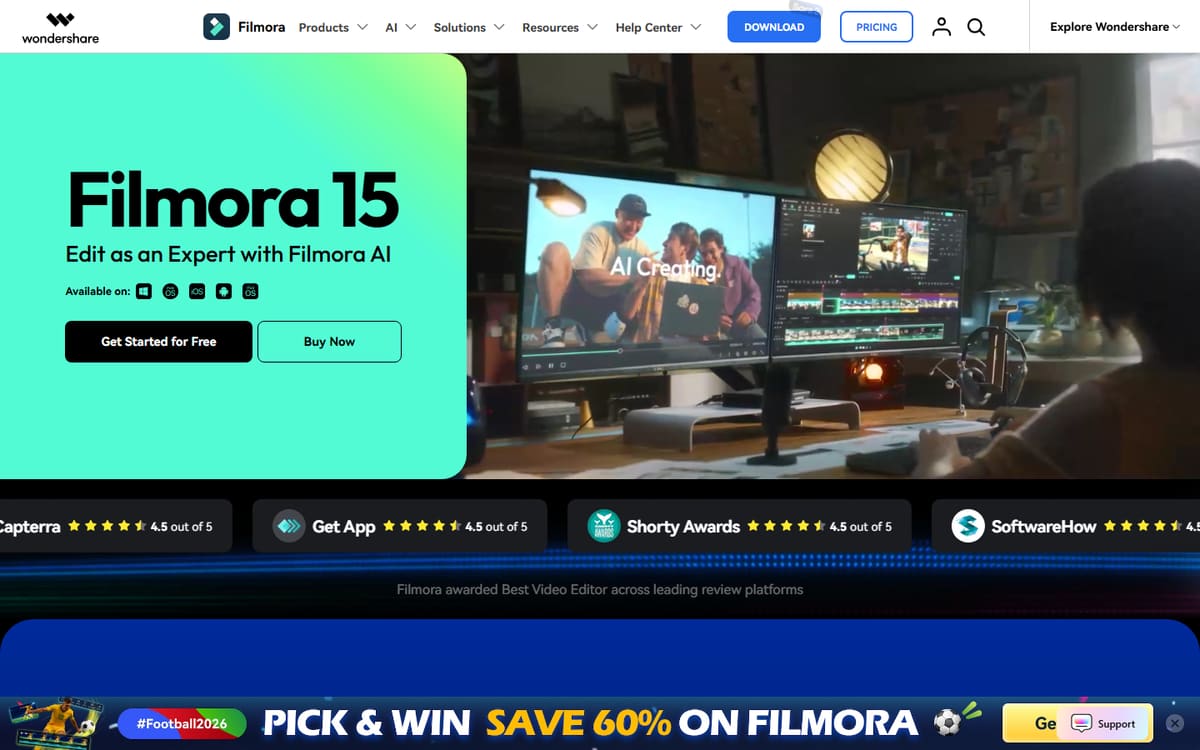
Filmora is a full desktop editor with a gentle learning curve and a growing set of AI tools — smart cutout, AI audio and text-to-video. It's the pick if you want timeline control without Premiere Pro's complexity or price.
| Plan | Price | Includes |
|---|---|---|
| Free | Free (watermarked) | Full editor, Watermark on export |
| Annual | $49.99/year | No watermark, AI features, Effects library |
| Perpetual | $79.99 one-time | Lifetime licence (this version), No subscription |
Key features
- Full timeline editing plus AI helpers
- Large effects and template library
- One-time purchase option available
Pros
- Very affordable
- Powerful yet approachable
- Perpetual licence option
Cons
- Desktop only
- AI features less advanced than specialists
The best value for creators who want a proper timeline editor with AI on the side.
Runway

Runway is a generative video model rather than a traditional editor. Describe a shot or animate an image, and it produces original footage — ideal for b-roll, transitions and effects you can't film yourself.
| Plan | Price | Includes |
|---|---|---|
| Free | Free | Limited credits, Basic generations |
| Standard | $12/mo (billed annually) | 625 credits/mo, Latest Gen models, Watermark removal |
| Pro | $28/mo (billed annually) | 2,250 credits/mo, Higher resolutions, More models |
Key features
- Text-to-video and image-to-video generation
- AI video effects and performance capture
- Access to multiple leading video models
Pros
- Genuinely original footage
- Cutting-edge models
- Great for b-roll
Cons
- Credit system can burn fast
- Not for standard timeline editing
A creative superpower for generated footage, best paired with a normal editor.
Frequently asked questions
What is the best AI video editor for beginners?
Can AI edit my whole video automatically?
Do I need a powerful computer for these tools?
The bottom line
Match the editor to your content: Descript for talking-head and podcast edits, VEED for fast browser-based subtitles and social clips, Filmora for affordable timeline editing, and Runway when you need generative footage. Many creators run two of these together. Pricing and plan names shift often in this category, so confirm the latest details on each official site before subscribing.