When you're publishing on a schedule, spending an hour per thumbnail isn't sustainable. The fastest creators use AI to generate backgrounds, cut themselves out of photos and render bold text, then assemble it all in minutes. Here are the three AI tools that make the thumbnail process genuinely fast in 2026, and how to combine them.
Canva
The quickest end-to-end workflow: start from a template, drop in an AI background, remove your photo's background, add text, export — all in one place.
| Tool | Best for | Starting price | Free option | Our rating |
|---|---|---|---|---|
| Canva | Assembling a thumbnail end-to-end | Free | Yes | 4.7 / 5 |
| Leonardo.ai | Generating eye-catching backgrounds | Free | Yes | 4.5 / 5 |
| Ideogram | Thumbnails with big, readable words | Free | Yes | 4.3 / 5 |
SaaS pricing changes frequently. The figures below were accurate on the date we last verified them — always confirm the current price and plan limits on the tool's official website before subscribing.
Canva
Canva is the fastest place to actually finish a thumbnail. Start from a proven template, generate a background with Magic Media, remove your photo's background in a click, add punchy text and export at the right size — the whole loop in a couple of minutes.
| Plan | Price | Includes |
|---|---|---|
| Free | Free | Thumbnail templates, Basic editing |
| Pro | $12.99/mo (billed annually) | Background remover, Magic Media, Brand kit |
Key features
- Proven thumbnail templates
- One-click background removal
- Magic Media generation
Pros
- Complete workflow in one tool
- Very fast
- Beginner-friendly
Cons
- Background remover needs Pro
- Templates need tweaking to stand out
The quickest way to go from idea to finished, uploaded thumbnail.
Leonardo.ai
Leonardo generates striking, high-quality backgrounds and scenes you can't find in stock libraries — perfect for making a thumbnail pop. Generate the image here, then bring it into Canva to add your face and text.
| Plan | Price | Includes |
|---|---|---|
| Free | Free | 150 daily tokens, Community models |
| Apprentice | $10/mo (billed annually) | 8,500 tokens/mo, Faster generation |
Key features
- High-quality image generation
- Model choice for different styles
- Free daily tokens
Pros
- Unique, eye-catching backgrounds
- Free to start
- Lots of style control
Cons
- Not a thumbnail editor itself
- Token system to learn
The best source of custom thumbnail backgrounds that don't look like stock.
Ideogram
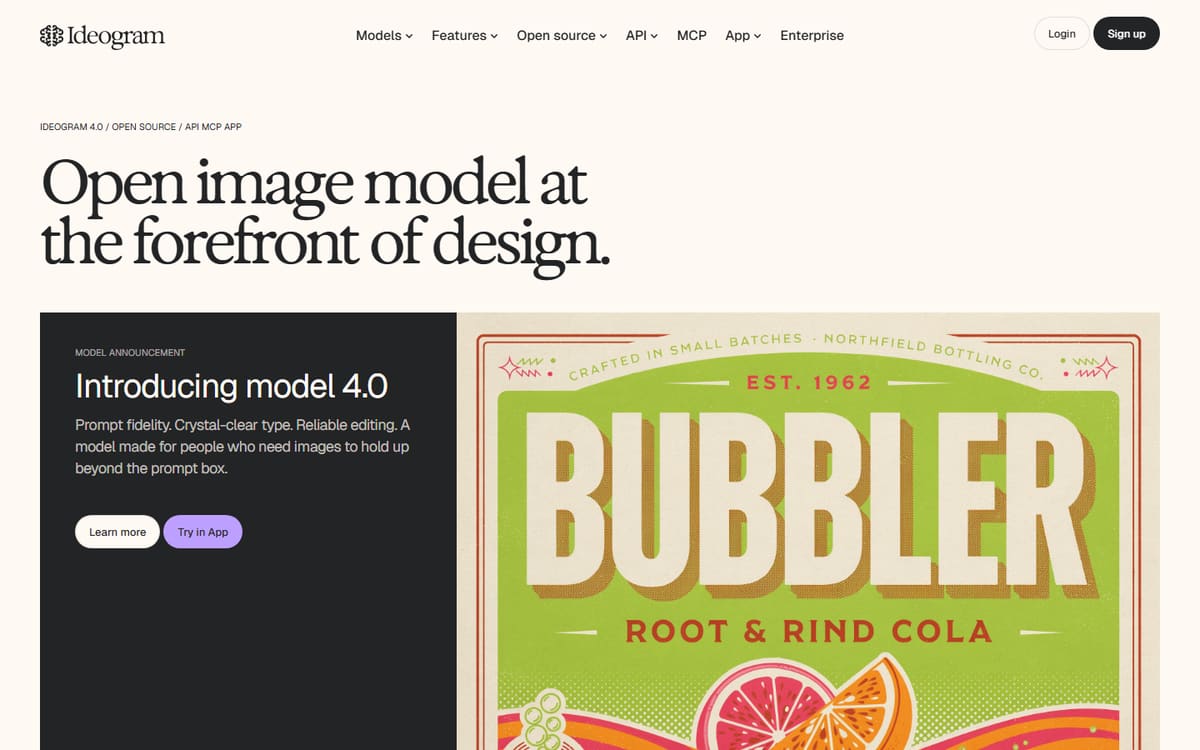
For thumbnails where the text is the design, Ideogram renders large, legible words inside generated images better than any rival — no more garbled AI text. Generate the graphic, then refine it in an editor if needed.
| Plan | Price | Includes |
|---|---|---|
| Free | Free | ~25 images/day, Standard resolution |
| Basic | $8/mo | 400 priority credits/mo, Faster generation |
Key features
- Best-in-class text rendering
- Generous free generations
- Fast output
Pros
- Readable text baked in
- Great free tier
- Quick
Cons
- Less photorealistic
- Not a full editor
The fast pick when the thumbnail's words are the main visual.
Frequently asked questions
What is the fastest way to make a YouTube thumbnail with AI?
Can AI make a thumbnail that gets clicks?
Do I need to pay to make thumbnails quickly?
The bottom line
For speed, Canva handles the entire thumbnail workflow in minutes, Leonardo supplies unique backgrounds, and Ideogram nails big readable text. The fastest creators generate assets in Leonardo or Ideogram and assemble in Canva. Start on the free tiers, and confirm current pricing on each official site before subscribing.