
Most people watch video on mute, so captions aren't optional — they're the difference between a scroll and a view. AI subtitle tools transcribe your video automatically and style captions the way top creators do: word-by-word, animated and on-brand. Here are the four best AI subtitle and caption generators in 2026, from short-form specialists to full editors.
Submagic
Purpose-built for short-form captions, it produces the trendy animated, word-highlighting subtitles that drive retention on TikTok, Reels and Shorts with almost no effort.
| Tool | Best for | Starting price | Free option | Our rating |
|---|---|---|---|---|
| Submagic | Trendy animated short-form captions | Free | Yes | 4.5 / 5 |
| Captions | Captioning plus AI video editing on mobile | Free | Yes | 4.3 / 5 |
| VEED | Accurate subtitles and translation | Free | Yes | 4.4 / 5 |
| Descript | Captions within a full editing workflow | Free | Yes | 4.6 / 5 |
SaaS pricing changes frequently. The figures below were accurate on the date we last verified them — always confirm the current price and plan limits on the tool's official website before subscribing.
Submagic
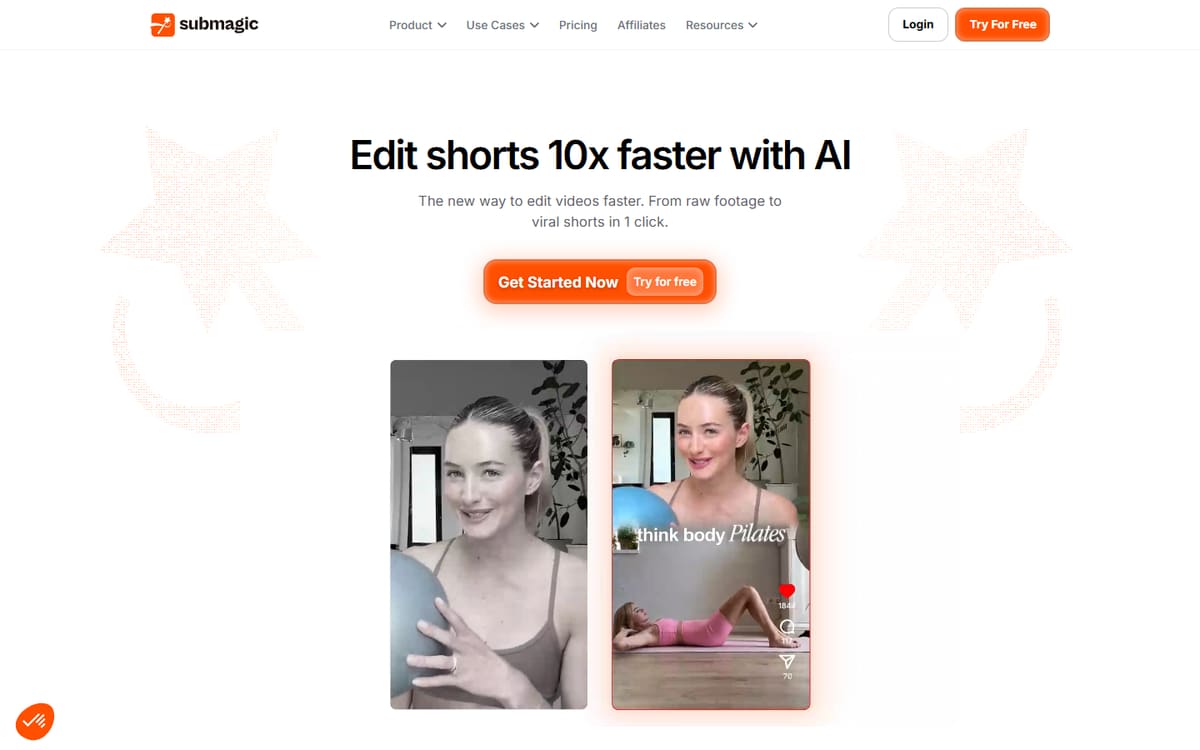
Submagic specialises in the punchy, animated captions that dominate short-form. It auto-transcribes, highlights words as they're spoken, adds emojis and B-roll, and exports in minutes — built specifically for TikTok, Reels and Shorts creators.
| Plan | Price | Includes |
|---|---|---|
| Free | Free | 3 videos/mo, Watermark, Auto captions |
| Starter | $20/mo (or $12/mo billed annually) | No watermark, More videos, B-roll & audio |
| Pro | $40/mo (or $23/mo billed annually) | Animated caption templates, Silence & bad-take removal, More videos |
Key features
- Trendy word-by-word animated captions
- Auto B-roll, emojis and sound effects
- Silence and filler removal
Pros
- Best short-form caption styles
- Very fast
- Free plan to test
Cons
- Focused on short videos
- Best features need Pro
The specialist for eye-catching short-form captions that lift retention.
Captions
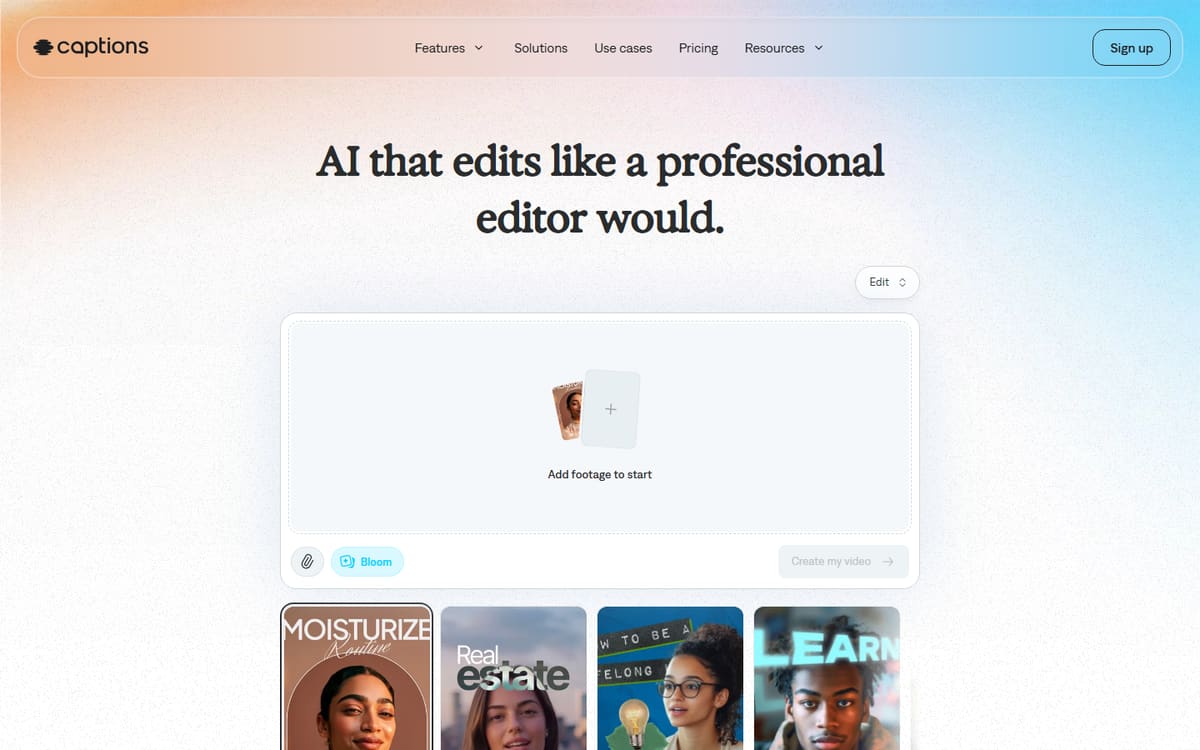
Captions is a mobile-first app that pairs accurate captions with AI editing — eye contact correction, AI dubbing and more. It's ideal for creators who shoot and edit talking-head content entirely on their phone.
| Plan | Price | Includes |
|---|---|---|
| Free | Free | Basic captions, Limited exports |
| Pro | $9.99/mo | Full captions, AI editing, No watermark |
| Max | $24.99/mo | 500 credits, AI video features, Higher limits |
Key features
- Accurate mobile captions
- AI eye-contact and dubbing
- All-in-one editing app
Pros
- Great on mobile
- Extra AI video tools
- Affordable Pro tier
Cons
- Credit limits on AI features
- Less desktop focus
The best pick for creators captioning and editing on their phone.
VEED
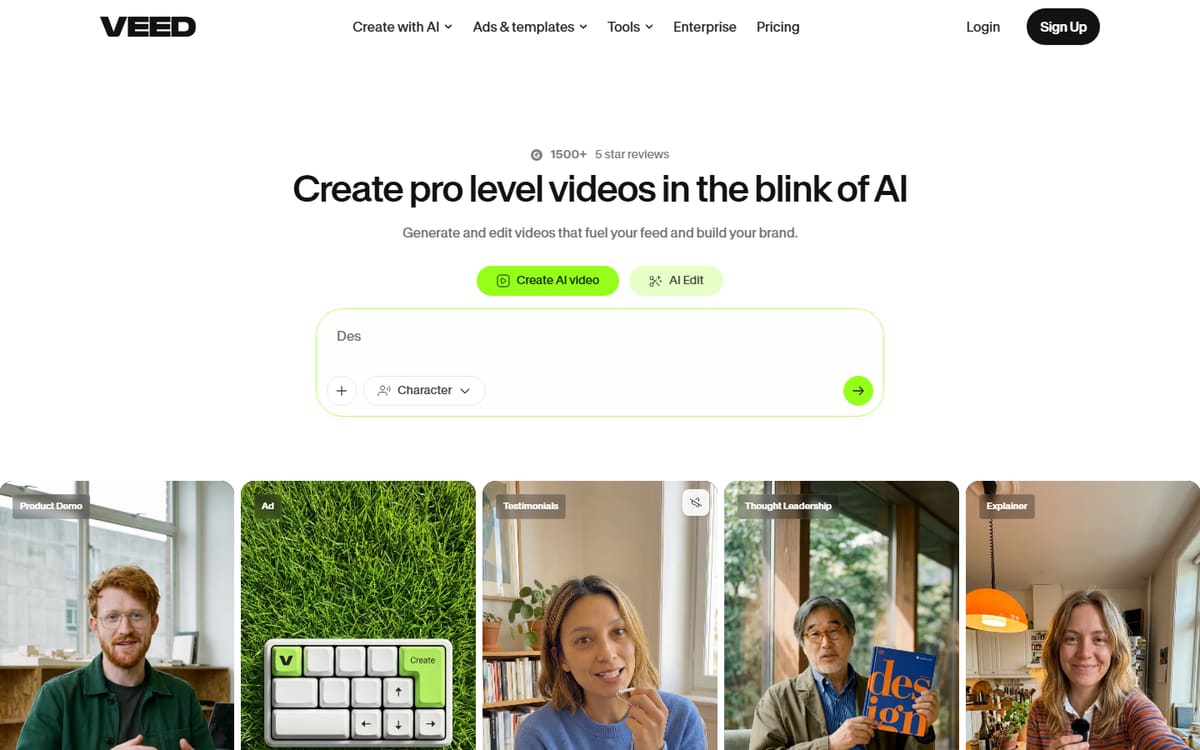
VEED produces highly accurate auto-subtitles in many languages and makes translating captions simple — useful for long-form videos and creators reaching international audiences. It's a full browser editor, not just a caption tool.
| Plan | Price | Includes |
|---|---|---|
| Free | Free | Watermarked, Auto-subtitles |
| Basic | $12/mo per user (billed annually) | No watermark, Full subtitles, Translations |
| Pro | $25/mo per user (billed annually) | 4K export, Brand kit |
Key features
- Accurate multi-language subtitles
- One-click caption translation
- Full browser editor
Pros
- Great accuracy
- Strong translation
- Full editing tools
Cons
- Per-user pricing
- Less short-form flair than Submagic
The best choice for accurate, translatable subtitles on longer content.
Descript
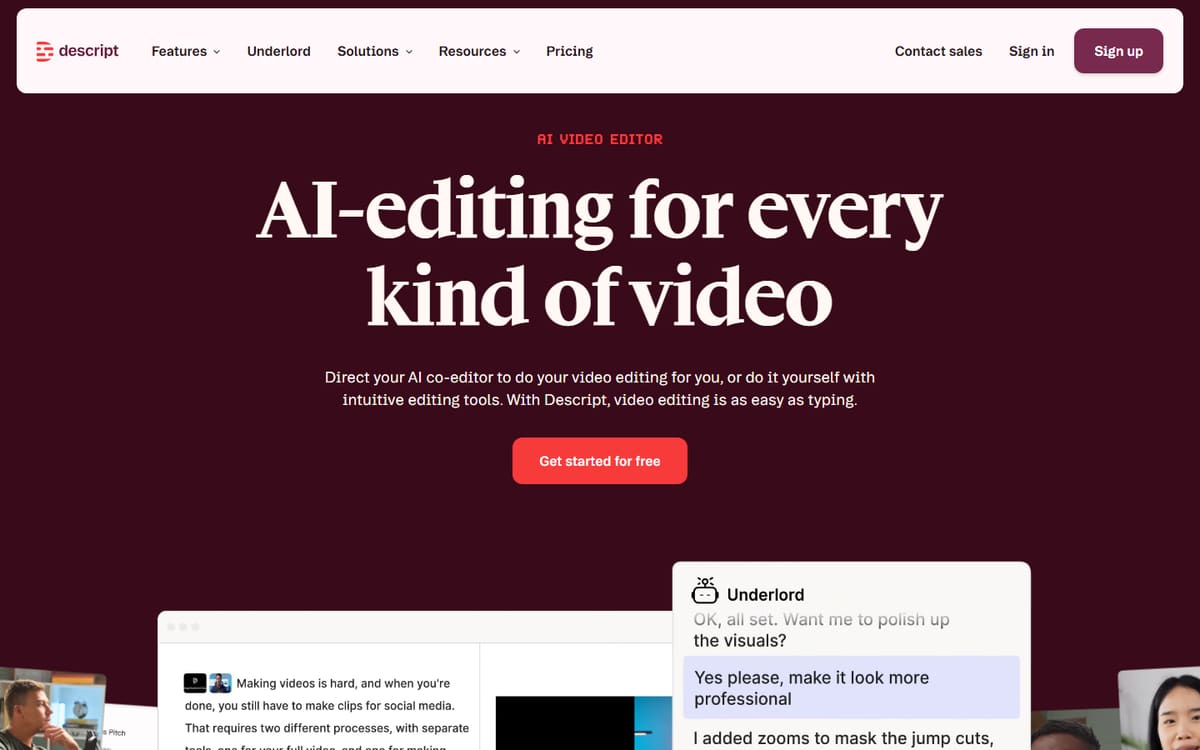
If you already edit in Descript, its accurate transcription doubles as your caption engine — style subtitles and burn them in without a separate tool. Best for long-form video and video podcasts where you edit and caption in one place.
| Plan | Price | Includes |
|---|---|---|
| Free | Free | 1 hour transcription, Basic captions |
| Hobbyist | $16/mo (billed annually) | 10 hours/mo, AI features |
| Creator | $24/mo (billed annually) | 30 hours/mo, Full AI, Caption styles |
Key features
- Accurate transcription-based captions
- Style and burn-in options
- Edits video and audio too
Pros
- Captions inside your editor
- Great accuracy
- Strong free plan
Cons
- Less animated flair for shorts
- Overkill if you only want captions
The natural choice if you already edit long-form content in Descript.
Frequently asked questions
What is the best AI caption tool for TikTok and Reels?
Are AI-generated captions accurate?
Can these tools translate captions into other languages?
The bottom line
For short-form, Submagic delivers the best animated captions and Captions is the mobile all-rounder; for accuracy and translation, VEED leads; and Descript is ideal if you caption within a full editing workflow. Match the tool to your format, test the free plans, and confirm current pricing on each official site.