A recognisable logo is the foundation of a creator brand, but hiring a designer is expensive and DIY tools can look amateur. AI logo makers bridge the gap — you answer a few questions about your style and they generate polished, editable logos plus matching brand assets. Here are the three best AI logo makers for creators and small brands in 2026.
Looka
The most professional AI logos with the most complete brand kit — logo, colours, fonts and templates that actually look designed, not generated.
| Tool | Best for | Starting price | Free option | Our rating |
|---|---|---|---|---|
| Looka | Professional logo plus brand kit | $20/mo | Yes | 4.5 / 5 |
| Canva | DIY logos on a budget | Free | Yes | 4.4 / 5 |
| Brandmark | Distinctive AI logo concepts | $25/mo | Yes | 4.1 / 5 |
SaaS pricing changes frequently. The figures below were accurate on the date we last verified them — always confirm the current price and plan limits on the tool's official website before subscribing.
Looka
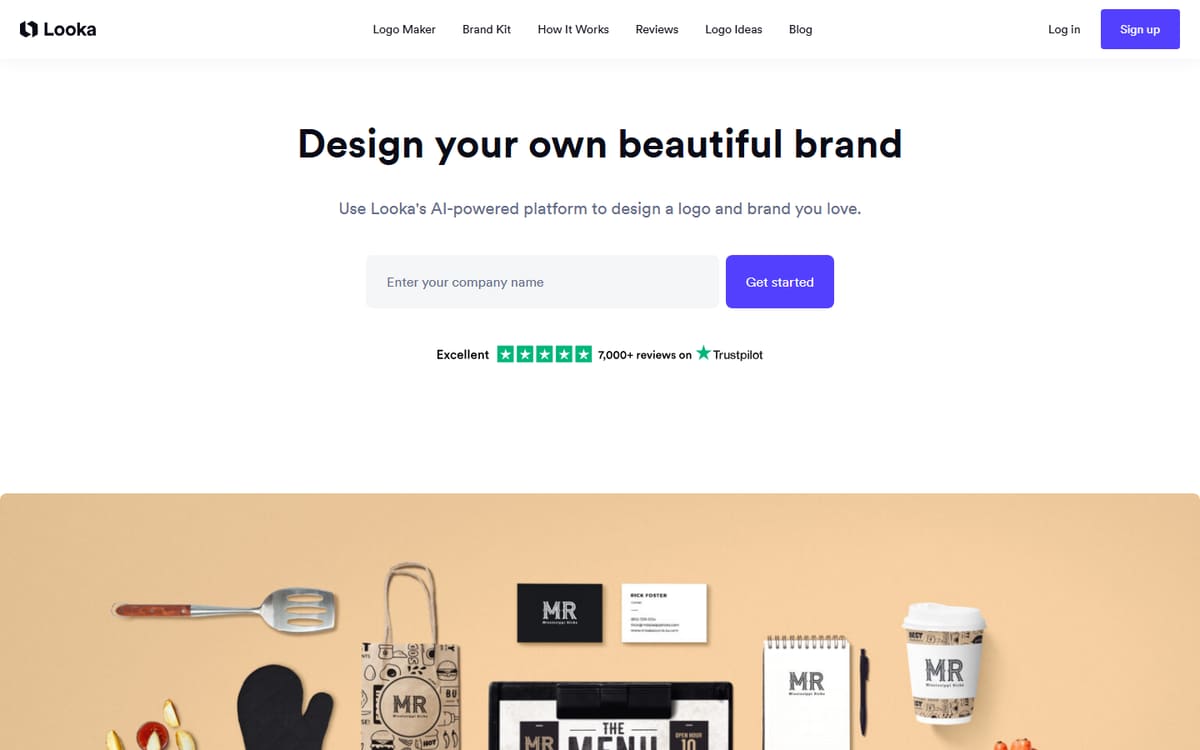
Looka generates genuinely professional logos from your style preferences, then builds a full brand kit around the one you choose — business cards, social templates, colour palettes and fonts. You can preview for free and pay only when you're happy.
| Plan | Price | Includes |
|---|---|---|
| Basic Logo | $20 (one-time) | High-res logo files, Full ownership, Basic formats |
| Premium Logo | $65 (one-time) | All file types, Vector (SVG), Unlimited changes |
| Brand Kit Subscription | $96/year | 300+ branded templates, Social assets, Ongoing edits |
Key features
- Professional AI logo generation
- Full brand kit with matching templates
- Vector files and unlimited edits on higher tiers
Pros
- Polished, designed-looking results
- Complete brand kit
- Free preview before paying
Cons
- Best assets need the subscription
- Less unique than a human designer
The most complete option for a professional logo and matching brand assets.
Canva
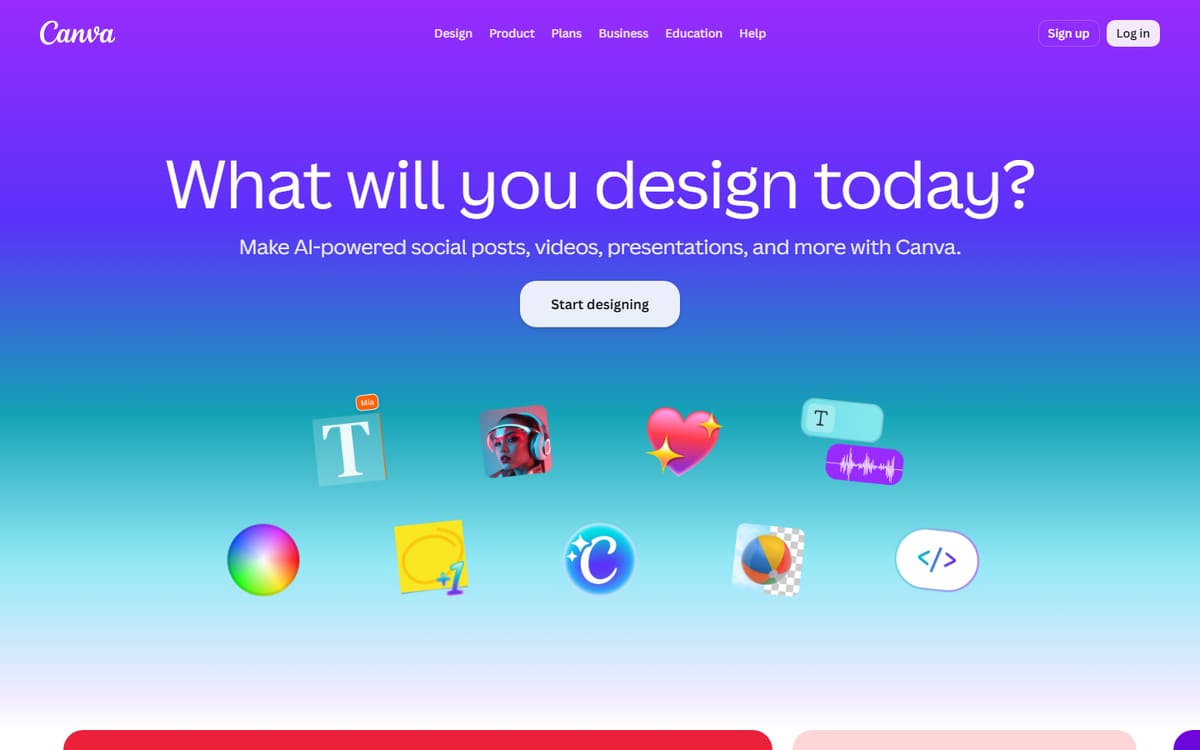
Canva isn't a dedicated logo generator, but its huge template library and easy editor let you design a solid logo for free, then reuse your brand across every other graphic. Best if you want hands-on control and already use Canva.
| Plan | Price | Includes |
|---|---|---|
| Free | Free | Logo templates, Editor, Basic export |
| Pro | $12.99/mo (billed annually) | Background remover, Brand kit, Transparent PNGs |
Key features
- Thousands of logo templates
- Full editing control
- Reuse across all your designs
Pros
- Free to design
- Total creative control
- One tool for everything
Cons
- No true vector logo on free plan
- Requires more design effort
The budget choice if you're happy to design the logo yourself.
Brandmark
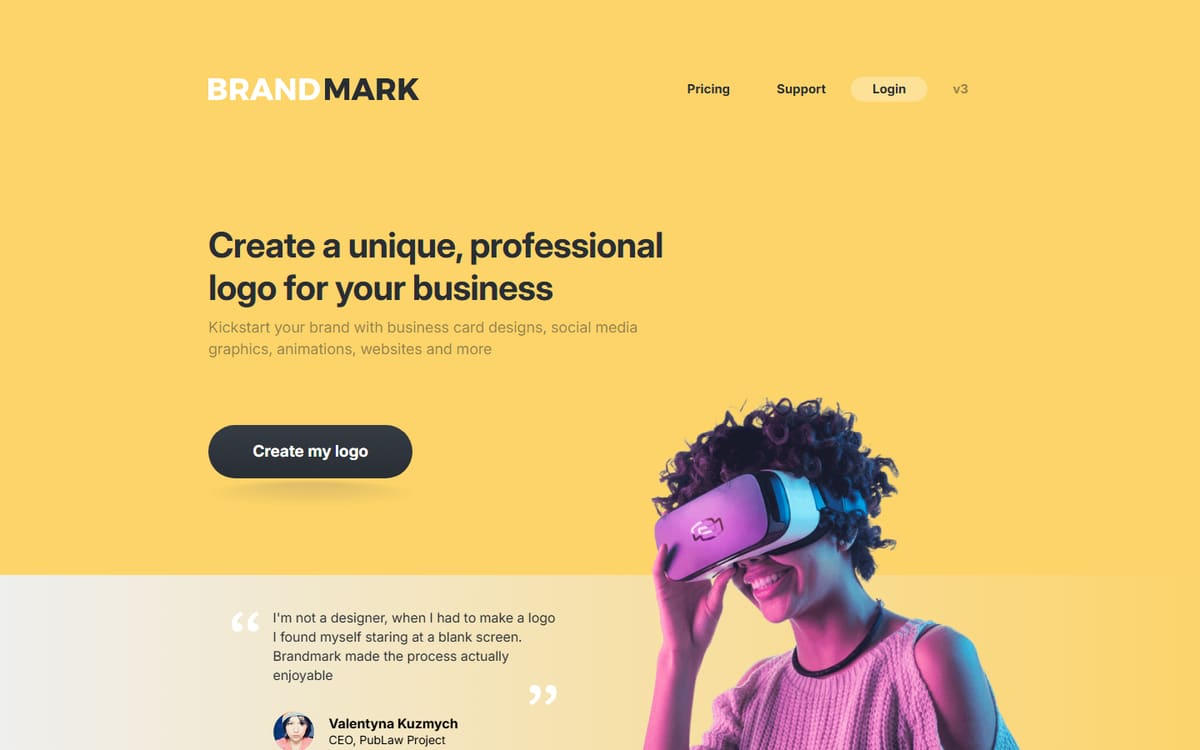
Brandmark's AI leans toward more distinctive, design-forward concepts and colour palettes. It's a good alternative to Looka when you want a logo that feels a little less templated, with one-time pricing and no subscription.
| Plan | Price | Includes |
|---|---|---|
| Basic | $25 (one-time) | Logo files, Basic formats |
| Designer | $65 (one-time) | Vector files, Brand assets, Social kit |
| Enterprise | $175 (one-time) | Full ownership package, All formats, Priority |
Key features
- Design-forward logo concepts
- One-time pricing, no subscription
- Brand asset and social kit options
Pros
- More distinctive results
- No subscription
- Good colour palettes
Cons
- Smaller template ecosystem than Looka
- Editing is less flexible
A solid one-time-purchase alternative when you want a more distinctive mark.
Frequently asked questions
What is the best AI logo maker for creators?
Do I actually own the logo I generate?
Can AI logos look professional?
The bottom line
Looka is the best overall for a professional logo and full brand kit, Canva is the top free option for hands-on designers, and Brandmark offers distinctive concepts with one-time pricing. Preview options for free before paying, and confirm current pricing on each official site — logo tools mix one-time and subscription models, so read the fine print.