
Not every creator wants to be on camera — or wants to reshoot every time a script changes. AI avatar tools turn a text script into a video with a realistic digital presenter, in dozens of languages, in minutes. They're ideal for faceless educational channels, localized content and course creators. Here are the three leading options in 2026 and who each suits best.
HeyGen
The most natural-looking avatars and lip-sync, plus fast realistic voice cloning — the best balance of realism and ease for creators.
| Tool | Best for | Starting price | Free option | Our rating |
|---|---|---|---|---|
| HeyGen | Realistic avatars and voice clones | Free | Yes | 4.5 / 5 |
| Synthesia | Polished educational and corporate video | Free | Yes | 4.4 / 5 |
| InVideo AI | Prompt-to-video with a presenter | Free | Yes | 4.2 / 5 |
SaaS pricing changes frequently. The figures below were accurate on the date we last verified them — always confirm the current price and plan limits on the tool's official website before subscribing.
HeyGen
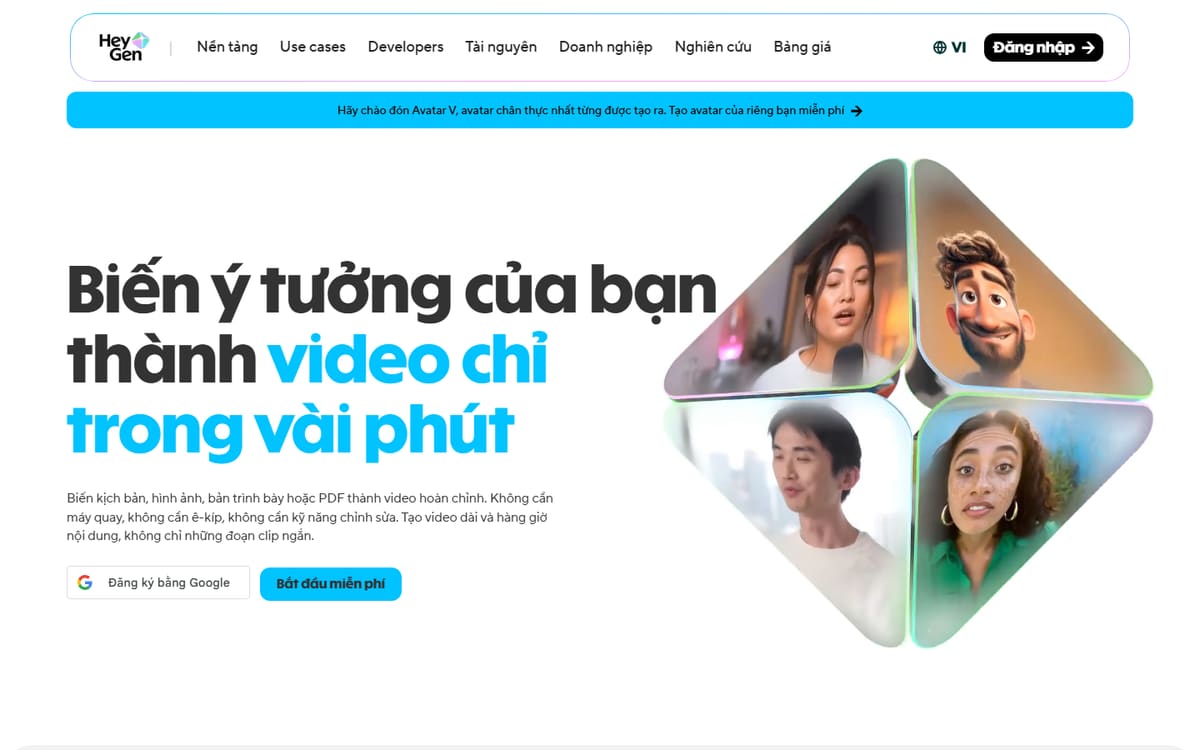
HeyGen produces some of the most convincing talking-head avatars available, with strong lip-sync and quick custom avatar and voice creation. It's the go-to for creators who want the digital presenter to look genuinely lifelike.
| Plan | Price | Includes |
|---|---|---|
| Free | Free | Limited credits, Watermarked exports, Stock avatars |
| Creator | $29/mo | Longer videos, No watermark, Personal avatar |
| Team / Business | From $30/seat/mo (billed annually) | More seats, Higher credit pools, Brand controls |
Key features
- Highly realistic avatars and lip-sync
- Fast custom avatar and voice cloning
- Video translation into many languages
Pros
- Best-in-class realism
- Easy custom avatars
- Strong translation
Cons
- Credit-based limits
- Costs rise with volume
The most lifelike option and the one most creators will be happiest with.
Synthesia
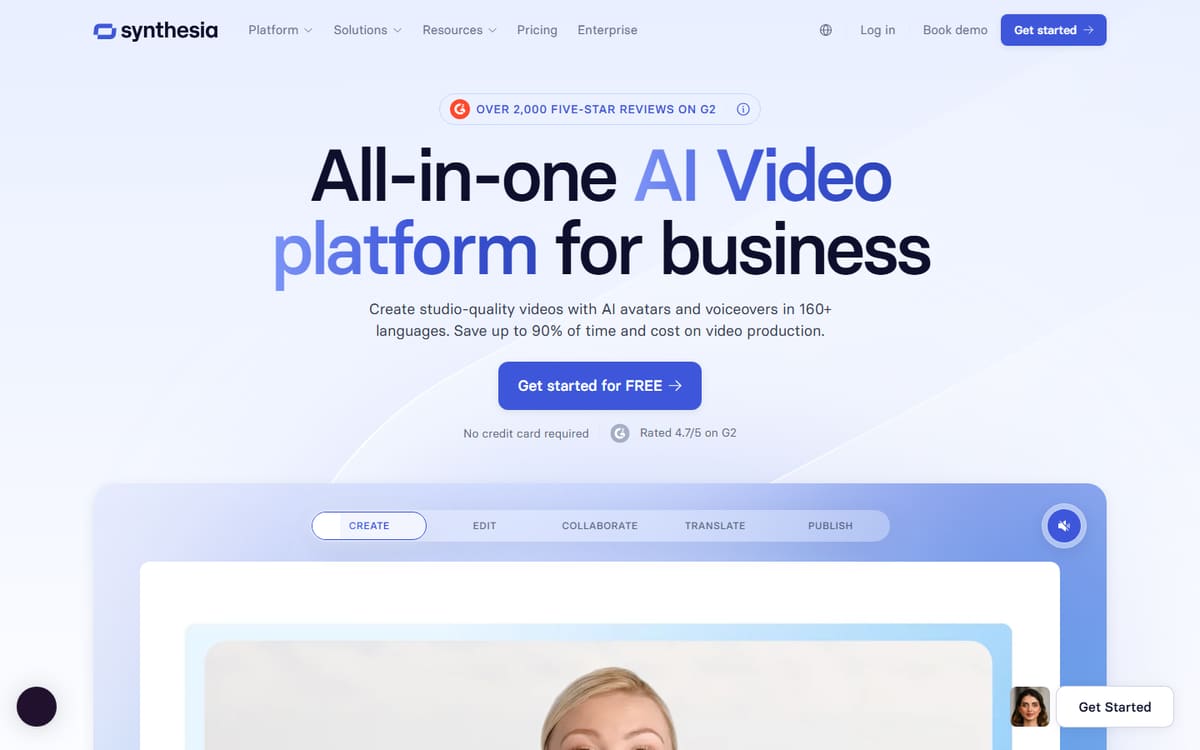
Synthesia is the most established avatar platform, with a huge avatar library and a workflow built for structured, professional content — training videos, explainers and courses in many languages.
| Plan | Price | Includes |
|---|---|---|
| Free | Free | Limited minutes, Stock avatars |
| Starter | $18/mo (billed annually) | 10 video minutes/mo, Standard avatars |
| Creator | $64/mo (billed annually) | 30 minutes/mo, 180+ avatars, 5 personal avatars |
Key features
- 180+ avatars and 140+ languages
- Slide-style editor for structured videos
- Brand kits and team collaboration
Pros
- Large avatar library
- Great for structured content
- Reliable output
Cons
- Minute caps on lower tiers
- Less casual than HeyGen
The safe, polished choice for education and corporate-style videos.
InVideo AI
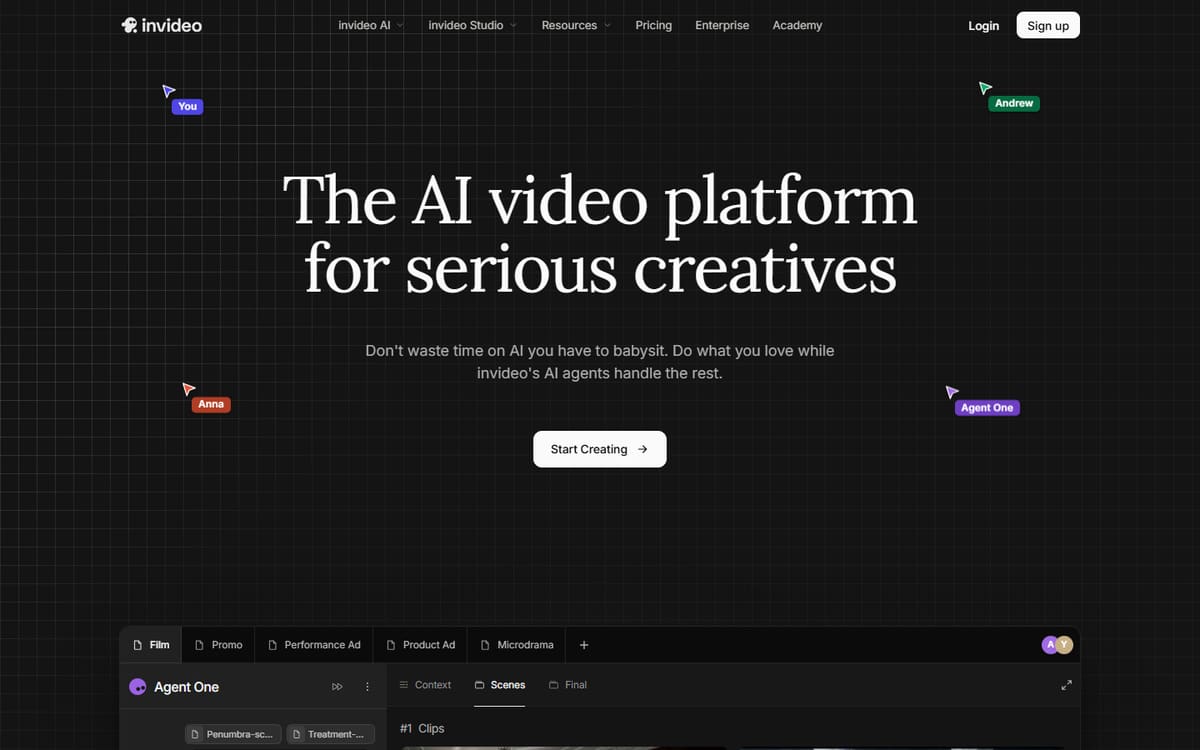
InVideo AI takes a text prompt and builds a complete video — script, footage, voiceover and optional AI presenter — all at once. It's less about a single realistic avatar and more about generating a finished video end to end.
| Plan | Price | Includes |
|---|---|---|
| Free | Free (watermarked) | Weekly export limit, Small credit pool |
| Plus | $20/mo (billed annually) | 50 AI minutes/mo, Voice clones, Stock media |
| Max | $48/mo (billed annually) | 200 AI minutes/mo, More clones, More media |
Key features
- Prompt-to-full-video generation
- AI voiceover and voice cloning
- Stock footage and avatar options
Pros
- Whole video from one prompt
- Fast for volume
- Affordable entry tier
Cons
- Less avatar realism than HeyGen
- Credit pools for each resource
Best when you want an entire video generated, not just an avatar clip.
Frequently asked questions
Which AI avatar tool looks the most realistic?
Can I make an avatar of myself?
Are AI avatar videos good for YouTube?
The bottom line
Choose HeyGen for the most lifelike avatars and easy voice cloning, Synthesia for polished training and course content with a huge avatar library, and InVideo AI when you want an entire video generated from a single prompt. Free plans let you test realism before paying — and since credit limits and prices change often, confirm the latest on each official site.